Smartphones are powerful mini-computers. They help us work, learn, shop, play games, and stay connected. But many users around the world ask the same frustrating question:
Why does my phone keep overheating?
If your phone feels hot in your hand, slows down, drains battery fast, or suddenly shuts off, overheating is likely the cause. This guide explains every major reason your phone overheats, using simple English, real-life examples, and practical solutions.
If you are facing this problem and you don’t know much about mobile, then there is no need to worry because this article has been written for new people like you., Which you read You will understand what causes overheating, how to fix it, and how to prevent it permanently—without technical confusion.
What Does Phone Overheating Mean?
Phone overheating happens when your device’s internal temperature rises above safe levels. Modern phones are designed to manage heat, but when heat builds up faster than it can escape, problems start.
Normal vs Dangerous Heat
- Normal warmth: Happens during charging or short gaming sessions
- Overheating: Phone becomes uncomfortably hot, lags, dims screen, or shuts down
Phones use safety systems to protect internal components, but repeated overheating can cause long-term damage.
1. Heavy App Usage (Most Common Reason)
Why it causes overheating
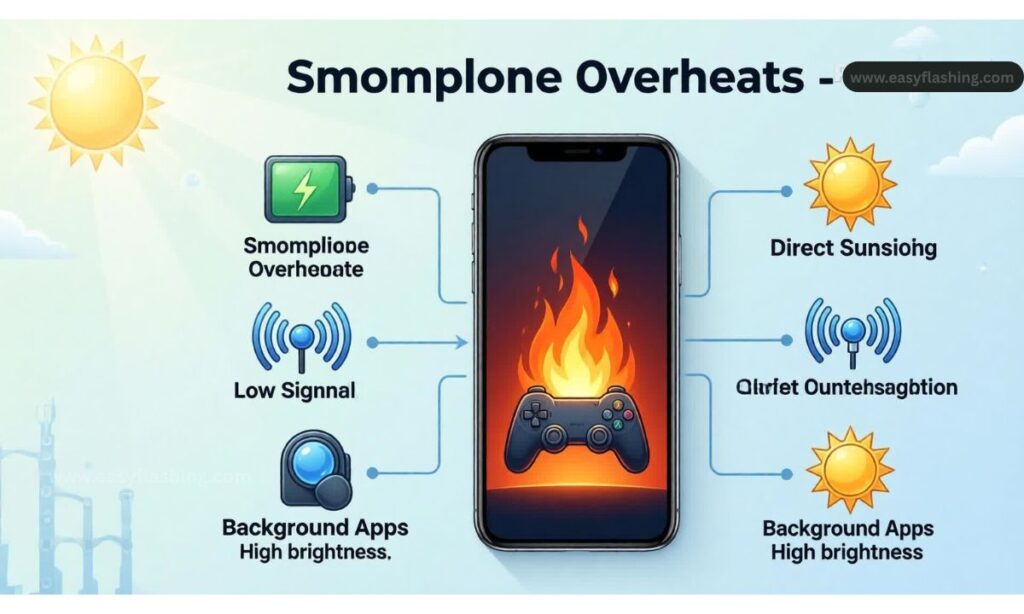
Apps use your phone’s processor (CPU) and graphics unit (GPU). Heavy apps demand more power, which produces more heat.
Apps that generate the most heat
- High-end games (PUBG, Call of Duty, Genshin Impact)
- Video editing apps
- Augmented reality (AR) apps
- Long video calls
- Live streaming apps
Example
Playing a graphics-heavy game for 45 minutes while charging almost guarantees overheating.
What to do
- Close unused apps running in the background
- Limit gaming sessions
- Lower in-game graphics settings
- Restart your phone after long usage
2. Charging Your Phone Incorrectly
Why charging creates heat
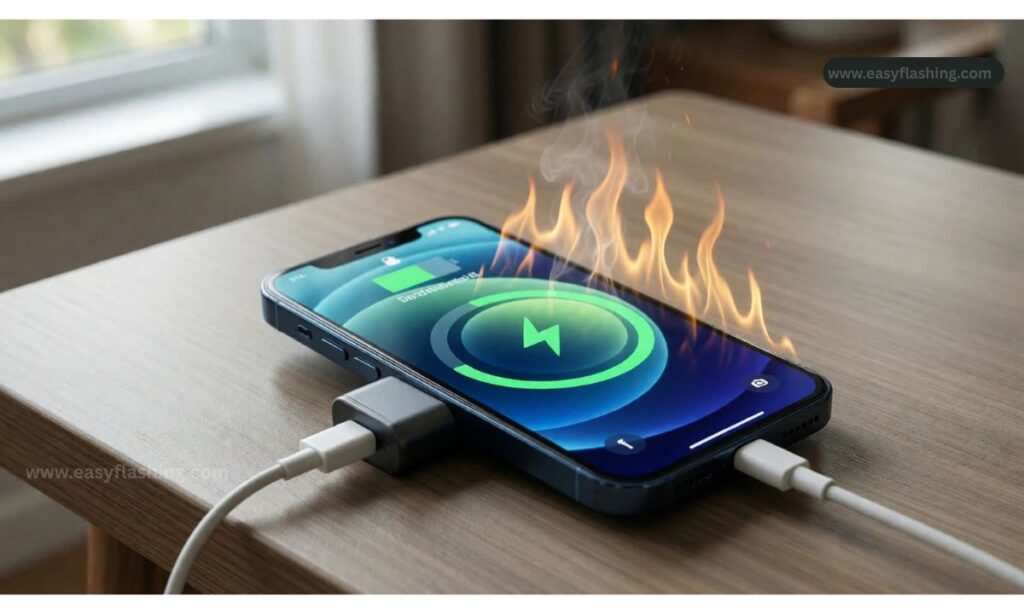
Charging transfers energy into the battery. This process naturally generates heat, especially with fast charging.
Common charging mistakes
- Using cheap or fake chargers
- Charging while gaming or watching videos
- Charging under a pillow or blanket
- Charging in a hot environment
Example
Your phone heats up faster when you watch YouTube while fast charging.
What to do
- Use the original charger or certified alternatives
- Avoid using the phone while charging
- Remove phone case during charging
- Charge on a flat, cool surface
3. Poor Network Signal
Why weak signal overheats phones
When signal strength is low, your phone works harder to connect to towers, increasing power usage and heat.
Situations where this happens
- Basements or underground areas
- Rural locations
- Elevators or tunnels
- Buildings with thick walls
Example
Your phone heats up while making calls in low-signal areas.
What to do
- Turn on Airplane Mode when signal is weak
- Use Wi-Fi calling when possible
- Avoid heavy usage in low-coverage zones
4. Background Apps and Hidden Processes
Why background apps are dangerous
Many apps continue running even when you close them. They use CPU, GPS, camera, or internet silently.
Common culprits
- Social media apps
- Fitness trackers
- Navigation apps
- Cloud backup services
Example
Google Maps running in the background keeps GPS active, generating heat.
What to do
- Check battery usage in settings
- Restrict background activity
- Disable unnecessary permissions
- Uninstall unused apps
5. Outdated Software or Bugs
Why software issues cause overheating
Software bugs can force the CPU to work endlessly, even when idle.
Warning signs
- Phone heats up after an update
- Battery drains unusually fast
- Random app crashes
Example
A faulty update causes a system service to loop continuously.
What to do
- Update to the latest stable version
- Install security patches
- Restart after updates
- Reset settings if problem persists
6. Using Your Phone in Hot Environments
Why environment matters
Phones cannot cool themselves effectively in high temperatures.
Risky environments
- Direct sunlight
- Inside a parked car
- Hot beaches or outdoor work
- Kitchens near stoves
Example
Leaving your phone on a car dashboard can overheat it in minutes.
What to do
- Keep phone shaded
- Avoid outdoor usage in extreme heat
- Store phone in a cool bag or pocket
7. Phone Case Trapping Heat
Why cases can be a problem
Some cases block heat dissipation, especially thick or non-breathable materials.
Cases that cause overheating
- Heavy rubber cases
- Leather covers
- Wallet-style cases
Example
Your phone stays hot longer after charging because the case traps heat.
What to do
- Remove case during charging or gaming
- Use heat-dissipating or ventilated cases
- Avoid metal or extremely thick covers
8. Battery Problems or Aging Battery
Why old batteries overheat
Lithium-ion batteries degrade over time. Older batteries become inefficient and produce more heat.
- Phone heats up even when idle
- Battery drains quickly
- Phone shuts down suddenly
- Battery swelling
Example
A 3-year-old phone overheats during simple tasks.
What to do
- Replace the battery at an authorized service center
- Avoid third-party low-quality batteries
- Monitor battery health in settings
9. Malware or Harmful Apps
Why malware causes overheating
Malicious apps run hidden processes like crypto mining, data theft, or ad injection.
Warning signs
- Phone heats up without usage
- Sudden performance drops
- Pop-up ads
- Unknown apps installed
Example
A free flashlight app secretly runs background processes.
What to do
- Uninstall suspicious apps
- Install apps only from official stores
- Run a trusted security scan
- Reset phone if infection persists
10. Camera and Flash Usage
Why camera heats phones
Camera sensors and image processing use heavy processing power, especially during video recording.
High-risk usage
- Recording 4K or 8K videos
- Long video shoots
- Using flash continuously
- Video calling with rear camera
Example
Recording a long video in sunlight overheats the phone quickly.
What to do
- Limit long video sessions
- Lower video resolution
- Take breaks between recordings
11. Too Many Notifications and Sync Services
Why syncing causes heat
Email, cloud storage, messaging apps constantly sync data.
Common syncing services
- Email accounts
- Cloud backups
- Photo syncing
- Messaging apps
Example
Multiple email accounts syncing every few minutes increases CPU usage.
What to do
- Reduce sync frequency
- Turn off auto-sync for unused services
- Limit background data usage
12. Hardware Damage or Manufacturing Defects
Why hardware issues overheat phones
Damaged internal components generate excess heat.
Possible causes
- Water damage
- Dropping the phone
- Poor-quality repairs
Example
A phone dropped multiple times overheats randomly.
What to do
- Visit an authorized service center
- Avoid third-party repairs
- Back up data before repairs
13. Using Your Phone While Updating Apps
Why updates cause heat
App installations and updates require CPU, storage access, and network usage simultaneously.
Example
Updating 20 apps while watching videos overheats the phone.
What to do
- Update apps while phone is idle
- Keep screen off during updates
- Avoid charging during large updates
14. High Screen Brightness and Display Settings
Why display settings matter
The screen is one of the biggest power consumers.
Risky habits
- Maximum brightness all the time
- Always-on display
- High refresh rate settings
Example
Using full brightness outdoors increases heat and battery drain.
What to do
- Use adaptive brightness
- Lower refresh rate if possible
- Reduce screen timeout
15. Storage Almost Full
Why low storage overheats phones
Phones need free space to manage temporary files and system operations.
Signs
- Lagging performance
- Overheating during basic tasks
- App crashes
What to do
- Delete unused files
- Clear app cache
- Move media to cloud storage
Why My Smartphone Overheats and How to Stop It
How Overheating Damages Your Phone (Long-Term Effects)
- Battery lifespan shortens
- Performance throttling
- Screen damage
- Data corruption
- Permanent hardware failure
Preventing overheating protects both performance and resale value.
Proven Tips to Prevent Phone Overheating
- Restart phone regularly
- Keep software updated
- Avoid multitasking during charging
- Monitor battery health
- Use quality accessories
- Avoid extreme temperatures
Trusted Resource
For official safety guidance, refer to your device manufacturer:
Apple iPhone Temperature Safety Guide:
https://support.apple.com/en-us/HT201678
(FAQs)
Why does my phone keep overheating even when I am not using it?
This usually happens due to background apps, malware, syncing services, or battery issues. Check battery usage and uninstall suspicious apps.
Is it normal for a phone to overheat while charging?
Mild warmth is normal, but excessive heat is not. Using fast charging, cheap chargers, or using the phone while charging increases overheating.
Can overheating permanently damage my phone?
Yes. Repeated overheating reduces battery life, slows performance, and can damage internal components over time.
How do I cool down my phone quickly?
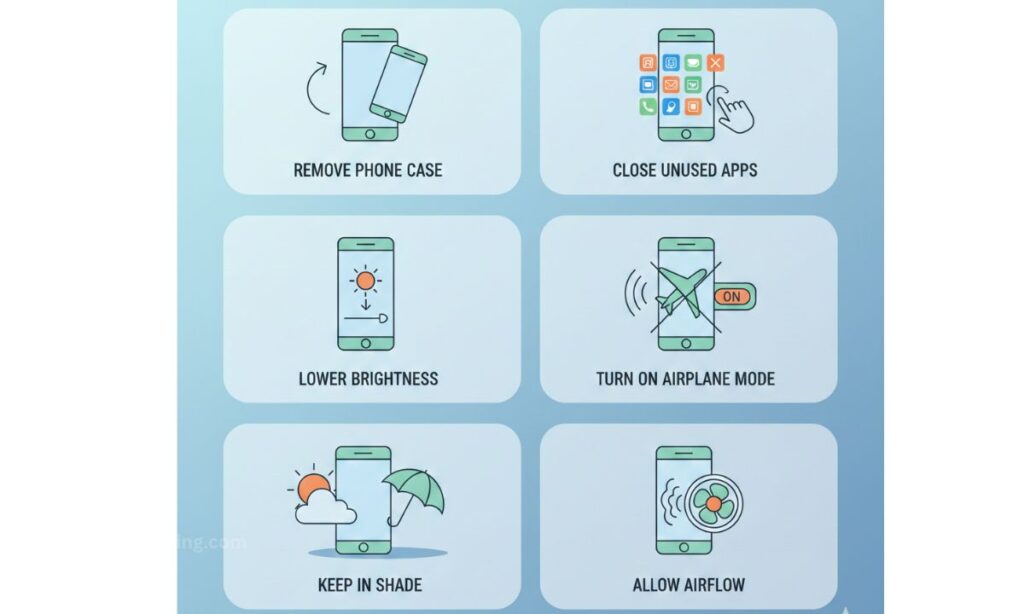
Stop using it, remove the case, turn on Airplane Mode, and place it in a cool shaded area. Never put it in a refrigerator.
Should I replace my phone if it overheats often?
Not always. Battery replacement or software fixes often solve the issue. Replace the phone only if overheating continues after professional repair.
Final Thoughts
If you keep asking “why does my phone keep overheating?”, the answer usually lies in usage habits, software issues, or battery health. The good news is that most causes are preventable.
By understanding the real reasons and applying the fixes in this guide, you can extend your phone’s lifespan, improve performance, and avoid costly repairs.
In this article, I have tried to tell you all the things that cause your phone to get hot, and if you follow all these things, your phone can avoid getting hot. If your phone doesn’t have this problem yet, pin this post up. Maybe if your phone ever has a problem, you can take advantage of it.



3 thoughts on “Why Does My Phone Keep Overheating? (Complete Guide)”