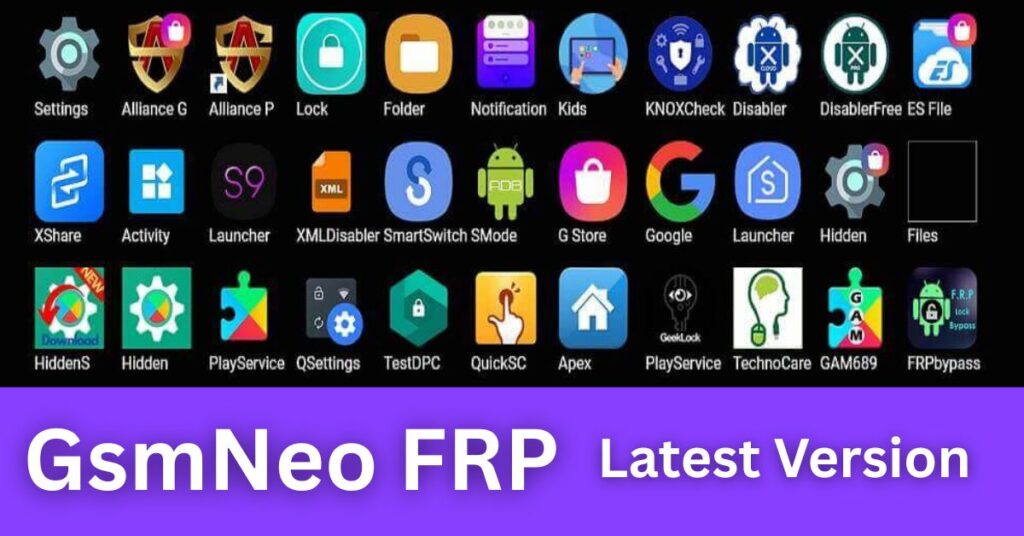
I will tell you today that GsmNeo FRP APK Tools Latest Version 2026 is widely searched by Android users who face Google account verification after a reset. Those who don’t know much about Android security often feel stuck when a phone asks for the previously synced Google account. Within this article, I will try to give you complete information about what GsmNeo FRP tools are, what they claim to do, and how their AUTO behaviors are described using easy language and clear explanations.
By reading this article, you will understand the concept of FRP, how tools like GsmNeo are positioned, where they may help, where they cannot, and what to consider before using any FRP-related utility. This guide focuses on clarity, safety, and trust.
What Is FRP (Factory Reset Protection) in Android?
Factory Reset Protection (FRP) is a security feature built into Android devices to protect user data if a phone is reset without permission.
Simple Explanation:
- When you reset an Android phone
- The device asks for the previously synced Google account
- This prevents unauthorized access
FRP is not a bug. It is a deliberate security layer.
What Is GsmNeo FRP APK Tools?
GsmNeo FRP APK Tools refers to a collection of Android based utilities presented as helpers for handling FRP related lock screens on supported devices.
In Plain Words:
- It is typically packaged as an APK
- Designed to run on the device itself
- Claims to assist with FRP-related access issues
Those who don’t know much about Android tools should understand that APK-based utilities operate under Android’s permission model and device security rules.
All GsmNeo One Click APK Tools 2026
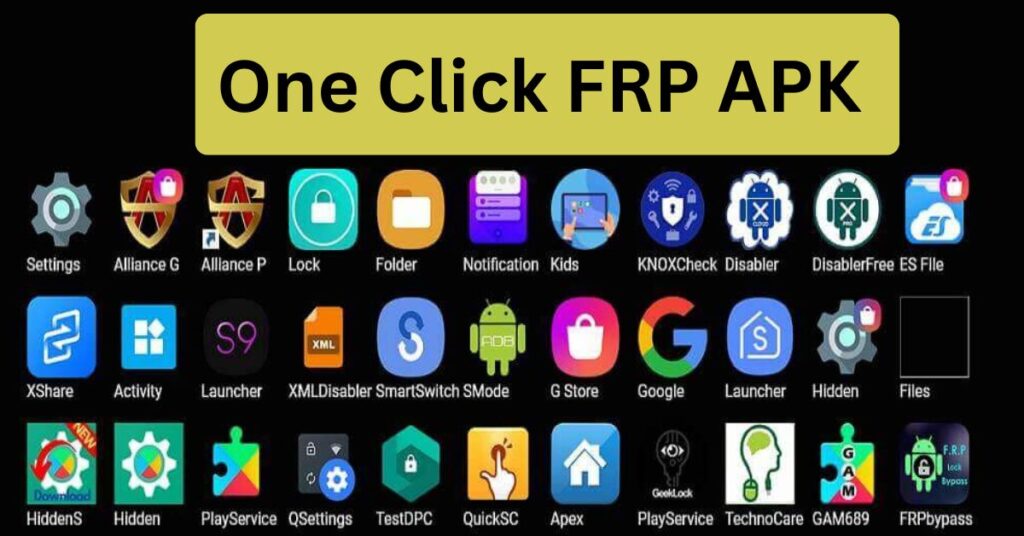
- Open Google Search App

- Open Alliance Shield App
- Open Samsung my Files
- Open Set Screen Lock
- Open Package Disabler Pro

- Open YouTube App
- Open Galaxy Store
- Open Screen Smartlock
- Open Settings APP
- Open Home Launcher
- Open S9 Launcher
- Open Chrome App
- Open Calculator App

- Open Motorola Launcher
- Open Google Assistant
- Open Login Account
- Open ADB Settings
- Open USB Settings
- Open *#0*#
- Open GMAIL App
- Open Samsung Secure Folder
- Open Samsung Touch ID
- Open Samsung Smart Switch
- Open Mi File Manager
- All Tap to Open FRP APPS: Here
- Open Vivo EasyShare
- Open Xshare Mini
- Open Oppo Phone Clone
- Open Xiaomi Share ME

- Install Files Shortcut
- Install iOS Launcher
- Direct Installation Hidden Settings
- Package Disabler APK Download
- Bar Setting APK Download
- Activity Launcher: Download


Everything You Need to Know About GsmNeo FRP APK Tools Latest Version 2026
1. Purpose and Positioning of GsmNeo FRP Tools
What It Claims to Do:
- Assist users who are locked out after a reset
- Provide guided access options on supported Android versions
Why People Search for It:
- Forgotten Google credentials
- Second-hand devices
- Post-reset verification screens
This context matters before evaluating any tool.
2. AUTO Behavior Explained (Beginner-Friendly)
You will often see the word AUTO associated with GsmNeo tools.
What AUTO Generally Means Here:
- Automatic detection of Android version
- Automatic display of compatible options
- Reduced manual configuration
AUTO does not mean guaranteed success; it means simplified flow.
3. Supported Android Versions (General Understanding)
Most pages mention version support but don’t explain variability.
Typical Compatibility Mentions:
- Android 8 through Android 13 (varies by build)
- Security patch level matters
- OEM customizations affect outcomes
Compatibility is not universal and changes with updates.
4. Device Brand Considerations
FRP behavior differs by manufacturer.
Commonly Discussed Brands:
- Samsung
- Xiaomi
- Oppo
- Vivo
- Tecno / Infinix (varies)
Brand-specific security layers influence tool effectiveness.
5. How APK-Based Tools Work at a High Level
Within this article, I will try to explain without risky steps.
High-Level Mechanics:
- Uses Android’s intent system
- Leverages accessibility or setup flows (where permitted)
- Depends on system permissions and OS behavior
This explains why results vary widely.
6. Why Results Differ Between Devices
Two phones with the same Android version can behave differently.
Key Factors:
- Security patch date
- OEM restrictions
- Setup Wizard changes
- Internet connectivity
Understanding this avoids false expectations.
7. Safety Considerations You Must Know
Those who don’t know much about APK tools should pause here.
Safety Basics:
- APKs can request sensitive permissions
- Unknown sources carry risk
- Backups matter
Only proceed when you fully understand implications.
8. Legal and Ethical Use (Very Important)
FRP exists to protect owners.
Responsible Use Means:
- Use tools only on devices you own
- Or devices you are authorized to service
- Respect local laws and policies
Misuse can violate terms or laws.
9. Advantages Often Mentioned by Users
When used responsibly and where permitted:
Commonly Cited Benefits:
- On-device approach (no PC)
- AUTO-guided screens
- Simple interface for beginners
These benefits depend on compatibility.
10. Limitations Many Pages Don’t Explain
I will tell you today what competitors often skip.
Real Limitations:
- Not universal
- Breaks after updates
- Requires precise conditions
- No guarantee of success
Transparency builds trust.
11. Security Updates vs. APK Tools
Android security evolves continuously.
What This Means:
- New patches close old paths
- Tools must adapt or stop working
- 2026 versions focus on narrower compatibility
Expect change, not permanence.
12. Data Privacy Considerations
APK tools run locally but may request access.
Protect Yourself:
- Review permissions
- Avoid unnecessary logins
- Remove the APK after use (if appropriate)
Privacy awareness is essential.
13. Beginner Expectations vs. Reality
By reading this article, you can set realistic expectations.
Reality Check:
- No “one-tap” solution fits all
- Outcomes depend on many variables
- Official recovery options are often safest
This saves time and frustration.
14. Alternatives to Consider First (Official Paths)
Before any third-party tool:
Consider:
- Google account recovery
- OEM support options
- Proof-of-ownership service requests
These methods respect security design.
15. Updates and Versioning in 2026
“Latest Version 2026” typically implies:
- UI refinements
- Narrowed compatibility
- AUTO flow tweaks
Version names alone don’t ensure effectiveness.
16. Common Myths Clarified
Myth: FRP tools work on every phone
False
Myth: AUTO means guaranteed success
False
Myth: Using an APK is always safe
False
Clarity prevents mistakes.
17. When Not to Use FRP APK Tools
Avoid usage when:
- Device ownership is unclear
- Corporate-managed devices are involved
- Legal restrictions apply
This protects you.
Video Tutorial: How to use GsmNeo FRP APK 2026
18. Best Practices for Beginners
Those who don’t know much can still act wisely.
Best Practices:
- Learn FRP basics first
- Try official recovery
- Read permissions carefully
- Avoid rushed decisions
Tried principles reduce risk.
Trusted Resource
For a clear, official explanation of FRP and Android security, refer to:
Android Security – Factory Reset Protection (Google):https://support.google.com/android/answer/9459346
This trusted source explains why FRP exists and how legitimate recovery works.
(FAQ)
Q1. What is GsmNeo FRP APK Tools Latest Version 2026?
It refers to an APK-based utility presented for handling FRP-related access issues on certain Android devices, with AUTO-guided behavior.
Q2. Does GsmNeo FRP work on all Android phones?
No. Compatibility varies by brand, Android version, and security patch level.
Q3. Is using FRP tools legal?
Use is appropriate only on devices you own or are authorized to service. Laws and policies vary by region.
Q4. What does AUTO mean in FRP tools?
AUTO generally indicates automatic detection and guided flows, not guaranteed results.
Q5. What is the safest first step if I’m locked out?
Try official Google account recovery or contact the device manufacturer with proof of ownership.
Final Thoughts
Within this article, I tried to give you complete information about GsmNeo FRP APK Tools Latest Version 2026 in a clear, honest, and beginner-friendly way. Those who don’t know much about Android security can now understand FRP, what tools claim to do, and why results vary.
By reading this article, you are better equipped to make informed, responsible choices prioritizing safety, legality, and realistic expectations.


