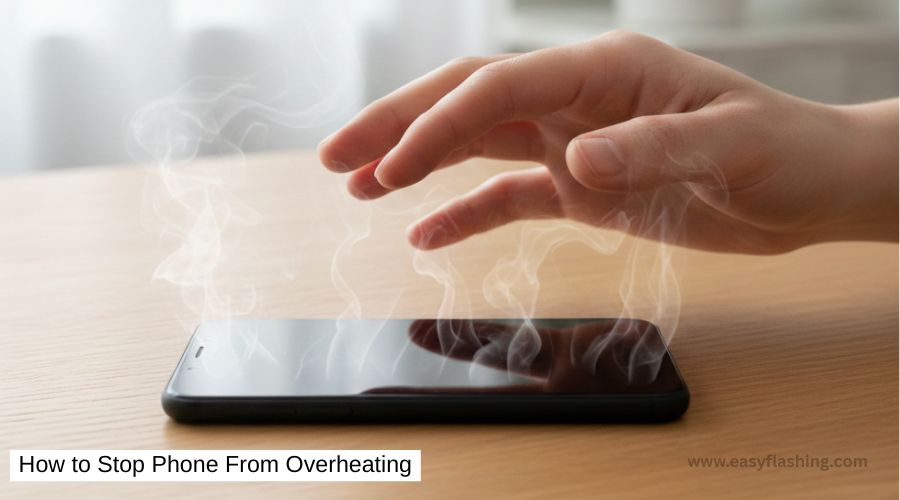
Smartphones are powerful, but sometimes that power turns into a problem. If you’ve ever picked up your device and thought, “Why is my phone so hot?”, you’re not alone. Overheating is one of the most common smartphone issues today. I will tell you today that in most cases, you can fix this problem yourself without visiting a repair shop.
Within this article, I will try to explain everything in easy language so that even those who don’t know much about technology can understand. By reading this article, I aim to give you complete information about how to stop phone from overheating, why it happens, and what you can do right now.
Why Is My Phone Overheating?
Before learning how to stop your phone from overheating, it helps to understand why it happens.
Your phone has a processor (CPU), battery, and apps working together. When they work too hard or incorrectly, heat builds up. Unlike laptops, phones don’t have fans, so heat has fewer ways to escape.
Common reasons phones overheat:
- Heavy app usage (games, video editing, navigation)
- Charging while using the phone
- Poor network signal
- Old or faulty battery
- Software bugs
- Hot environment (sunlight, hot car)
Now let’s move to the solutions.
1. Close Unused Apps Running in the Background
Why this matters
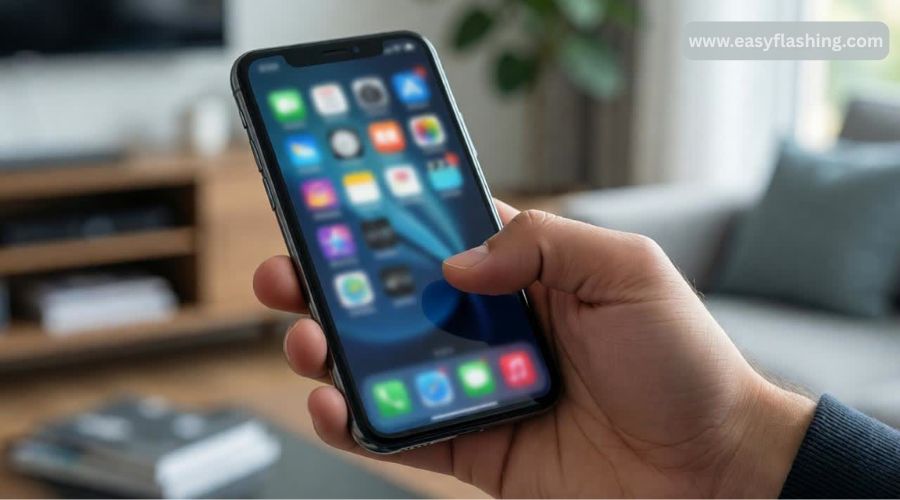
Many apps keep running even when you’re not using them. They use CPU power, which creates heat.
What you should do
- Open the recent apps menu
- Close apps you’re not actively using
- Restart your phone once a day
Example:
Social media apps, GPS apps, and games often stay active in the background.
Benefit:
Less CPU usage means less heat and better battery life.
2. Stop Using Your Phone While Charging
Why charging causes heat
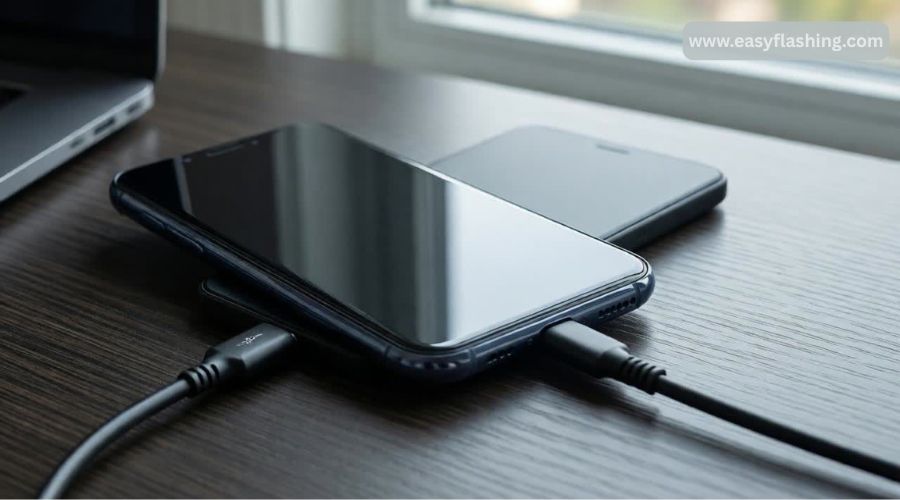
Charging already generates heat. When you use your phone at the same time, the temperature rises faster.
What to do instead
- Let your phone charge without using it
- Avoid gaming or video calls while charging
- Remove thick phone cases during charging
Tried and tested tip:
Charge your phone on a flat, cool surface, not on a bed or sofa.
3. Remove the Phone Case Temporarily
How cases trap heat
Some cases, especially thick rubber or leather ones, block heat from escaping.
Simple fix
- Remove the case if your phone feels hot
- Use slim, breathable cases designed for heat dissipation
Benefit:
Better airflow helps your phone cool down faster.
4. Check for Apps Causing Overheating
What this means
Some apps are poorly optimized and use excessive resources.
How to identify them
- Go to Settings → Battery → Usage
- Look for apps draining high battery
What to do
- Update the app
- Limit background activity
- Uninstall if not essential
You to remember: One bad app can cause continuous overheating.
5. Update Your Phone Software Regularly
Why updates matter
Software updates fix bugs, improve performance, and reduce overheating issues.
Steps
- Go to Settings → Software Update
- Install the latest version
Within this article, I will try to be clear: outdated software is a hidden cause of overheating.
6. Avoid Direct Sunlight and Hot Environments
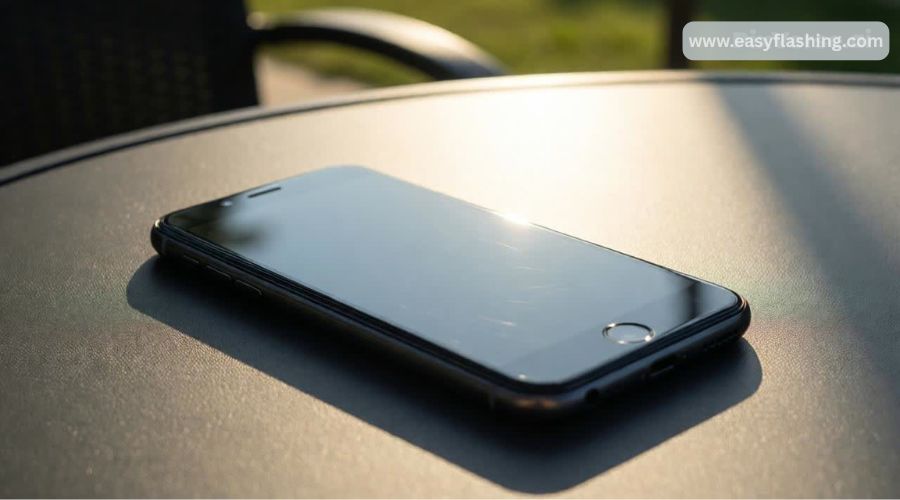
Environmental heat is real
Leaving your phone in the sun or a hot car can damage internal components.
What you should do
- Keep phone in shade
- Avoid outdoor usage in extreme heat
- Never leave phone on car dashboard
Benefit:
Protects battery health and prevents long-term damage.
7. Turn Off Unnecessary Features (Wi-Fi, Bluetooth, GPS)
Why this helps
Wireless features constantly search for signals, increasing heat.
Quick actions
- Turn off Bluetooth when not in use
- Disable GPS unless needed
- Switch off mobile data in low-signal areas
Example:
Poor signal forces the phone to work harder, causing overheating.
8. Reduce Screen Brightness and Refresh Rate
Screen = heat generator
High brightness and high refresh rates consume more power.
Beginner-friendly steps
- Enable Auto Brightness
- Reduce brightness manually
- Lower refresh rate (if supported)
Benefit:
Less strain on battery and processor.
9. Restart Your Phone Regularly
Why restarting works
Restarting clears temporary files and stops stuck background processes.
How often?
- At least once every 2–3 days
This is one of the simplest yet most effective methods I’ve tried myself.
10. Check Your Battery Health
Batteries age over time
Old or damaged batteries generate more heat.
Warning signs
- Phone heats up quickly
- Battery drains fast
- Phone shuts down unexpectedly
What to do
- Visit authorized service center
- Replace battery if necessary
Trust factor: Battery replacement is safer than risking permanent damage.
11. Avoid Heavy Gaming and Multitasking
Why games cause overheating
Games push CPU and GPU to maximum capacity.
Smart habits
- Take breaks while gaming
- Lower in-game graphics settings
- Avoid gaming while charging
Benefit:
Prevents thermal throttling and improves phone lifespan.
12. Reset Settings (Last Safe Option)
What this does
Resets system settings without deleting personal data.
When to try
- If overheating continues despite other fixes
Steps (general)
- Settings → Reset → Reset system settings
Those who don’t know much about tech can still safely try this option.
What NOT to Do When Your Phone Overheats
- Don’t put phone in freezer
- Don’t use ice packs directly
- Don’t ignore repeated overheating
Sudden cooling can damage internal components.
Preventive Tips to Keep Your Phone Cool Long-Term
- Use original charger
- Keep storage space free
- Avoid sketchy apps
- Update apps regularly
- Clean charging port gently
Trusted Resource
For additional safety guidelines, you can also refer to official manufacturer advice from Apple Support or Google Pixel Help, which provide reliable, non-promotional information on device temperature management.
FAQs
1. How to stop my phone from overheating while charging?
Stop using it during charging, remove the case, and charge in a cool place.
2. How to stop your phone from overheating when gaming?
Lower graphics settings, take breaks, and avoid charging while gaming.
3. Is phone overheating dangerous?
Yes. Long-term overheating can damage the battery and internal parts.
4. Can overheating damage my phone permanently?
Yes. Repeated overheating reduces battery lifespan and may cause hardware failure.
5. When should I visit a repair shop?
If overheating continues even after software updates and basic fixes.
Final Thoughts
Overheating is common, but it’s also manageable. By reading this article, you now have the knowledge to protect your phone and extend its life. Most fixes are simple habits you can start today. If you follow these steps carefully, you’ll notice a real difference.



1 thought on “How to Stop Phone From Overheating”