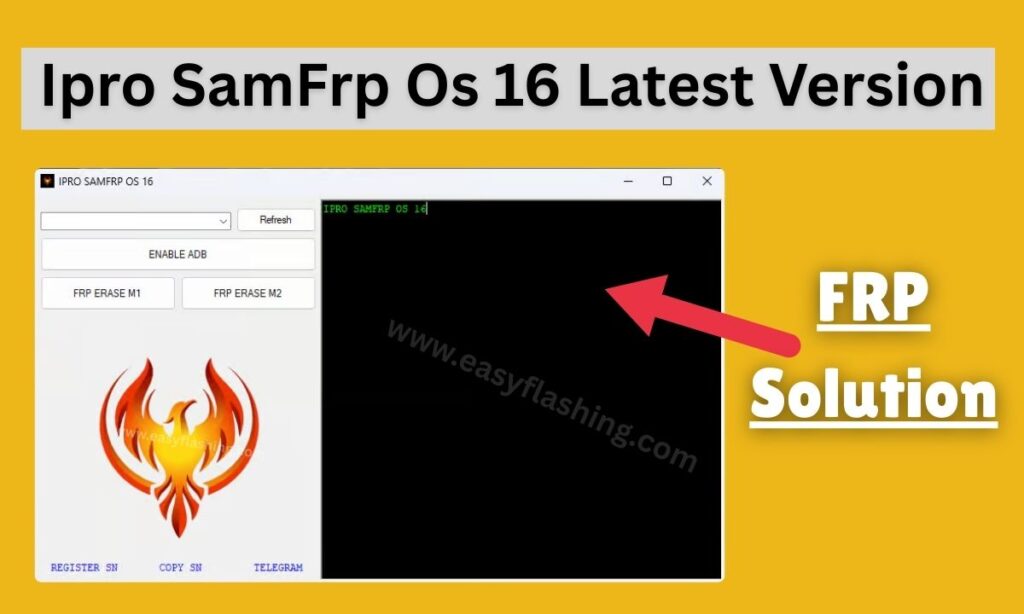
In today’s smartphone-driven world, Factory Reset Protection (FRP) is a powerful security feature designed to protect Android devices from unauthorized access. While FRP is useful for security, it can become a serious problem for genuine users who forget their Google account credentials after a reset. This is where Ipro SamFrp Os 16 comes into play.
Ipro SamFrp Os 16 Latest Version is a professional mobile tool developed to help users bypass Google FRP locks on Samsung devices running newer Android versions, including Android 12, Android 13, Android 14, and Android 15-based firmware.
What Is Ipro SamFrp Os 16?
Ipro SamFrp Os 16 is a lightweight Windows-based FRP bypass utility specifically optimized for Samsung smartphones and tablets. It allows users to remove or bypass Google account verification after a factory reset, without requiring advanced technical skills.
Key Purpose of Ipro SamFrp Os 16
- Bypass Google FRP lock on Samsung devices
- Support newer One UI and Android OS versions
- Provide beginner-friendly interface
- Work without paid licenses or complex flashing
Unlike outdated FRP tools, the latest version of Ipro SamFrp Os 16 is continuously updated to support new security patches and firmware changes.
Why FRP Lock Exists on Samsung Devices
Before using any FRP tool, it is important to understand why FRP exists:
- Protects stolen or lost devices
- Prevents unauthorized factory reset usage
- Ensures user data safety
- Reduces smartphone theft
However, FRP can lock out:
- Users who forgot Google ID
- Second-hand phone buyers
- Repair technicians
- Users with broken screens or dead email access
In such cases, Ipro SamFrp Os 16 Latest Version provides a practical solution.
Top Features of Ipro SamFrp Os 16 Latest Version
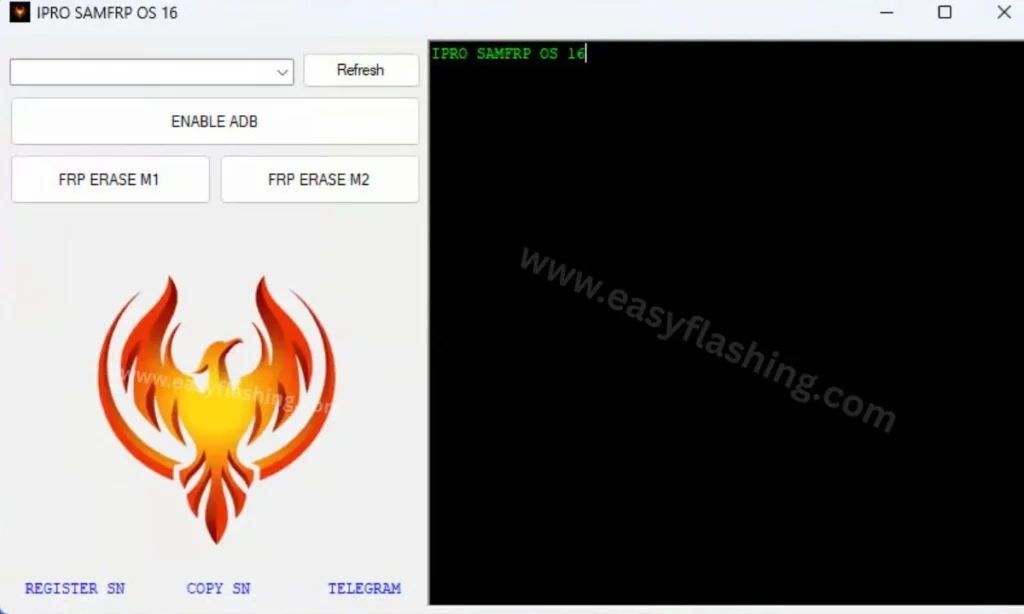
1. Supports Latest Android OS Versions
Ipro SamFrp Os 16 is optimized for:
- Android 10
- Android 11
- Android 12
- Android 13
- Android 14
- Android 15 (limited models)
2. Compatible with New Samsung Security Patches
- Works with recent Samsung updates
- Supports One UI 4, 5, and 6
- Regular backend improvements
3. Beginner-Friendly Interface
- No coding knowledge required
- Simple button-based navigation
- Clear on-screen instructions
4. No Root Required
- Safe for official firmware
- Does not void warranty (in most cases)
- No system file modification
5. Fast FRP Bypass Process
- Average bypass time: 5–10 minutes
- Minimal device reboots
- Stable connection handling
6. Lightweight Tool
- Small file size
- Low system requirements
- Runs smoothly on older PCs
System Requirements for Ipro SamFrp Os 16
Before installation, ensure your system meets these requirements:
- OS: Windows 7, 8, 10, or 11 (64-bit recommended)
- RAM: Minimum 4GB
- Storage: 200MB free space
- USB Cable: Original or high-quality
- Samsung USB Drivers installed
Supported Samsung Devices (Expanded List)
Ipro SamFrp Os 16 supports a wide range of Samsung devices, including:
Samsung Galaxy S Series
- Galaxy S8 / S8+
- Galaxy S9 / S9+
- Galaxy S10 / S10+
- Galaxy S20 / S21 / S22 / S23
- Galaxy S24 (partial support)
Samsung Galaxy A Series
- Galaxy A10 / A10s
- Galaxy A20 / A21 / A22
- Galaxy A30 / A31 / A32
- Galaxy A50 / A51 / A52
- Galaxy A70 / A71 / A72
Samsung Galaxy M Series
- Galaxy M10 / M11
- Galaxy M20 / M21
- Galaxy M30 / M31
- Galaxy M32 / M33
Samsung Tablets
- Galaxy Tab A
- Galaxy Tab S6 / S7 / S8
Device compatibility may vary based on firmware and security patch level.
How Ipro SamFrp Os 16 Works (Technical Overview)
Ipro SamFrp Os 16 works by:
- Establishing ADB or Download Mode connection
- Triggering Samsung setup loopholes
- Injecting bypass commands
- Redirecting setup verification
- Removing Google account authentication requirement
This process does not permanently damage system partitions.
Step-by-Step Guide: How to Use Ipro SamFrp Os 16
Step 1: Prepare Your Device
- Charge phone to at least 50%
- Connect to stable Wi-Fi
- Complete initial setup until FRP screen appears
Step 2: Install Samsung USB Drivers
- Install latest Samsung USB drivers on PC
- Restart computer after installation
Step 3: Download and Extract Tool
- Download Ipro SamFrp Os 16 Latest Version
- Extract ZIP using WinRAR or 7-Zip
Step 4: Connect Device to PC
- Use USB cable
- Allow permissions if prompted
Step 5: Run the Tool as Administrator
- Right-click → Run as Administrator
Step 6: Select FRP Bypass Option
- Choose device model or OS version
- Click “Start Bypass”
Step 7: Follow On-Screen Instructions
- Device may reboot automatically
- Wait until process completes
Step 8: Complete Setup
- Skip Google verification
- Add new Google account later
Safety and Legal Considerations
Using FRP tools responsibly is critical:
- Use only on devices you own
- Do not bypass stolen devices
- Respect local laws
- Backup data when possible
Ipro SamFrp Os 16 is intended for educational and recovery purposes only.
Common Errors and Fixes
Error 1: Device Not Detected
- Reinstall USB drivers
- Change USB port
- Enable OEM unlock (if possible)
Error 2: Process Stuck
- Restart phone and PC
- Disable antivirus temporarily
Error 3: Unsupported Firmware
- Downgrade firmware
- Use alternative FRP method
Advantages of Ipro SamFrp Os 16 Over Other Tools
- Higher success rate
- Updated for newer Android OS
- Free to use
- Beginner-friendly UI
- No flashing required
Best Practices for FRP Bypass Success
- Always use original USB cable
- Keep phone battery charged
- Disable antivirus during process
- Use latest version of the tool
Alternatives to Ipro SamFrp Os 16
Here are some other tools users consider:
- SamFW Tool
- TFT Unlock Tool
- GSM Flasher Tool
- Octoplus FRP Tool
However, many alternatives require paid licenses or advanced skills.
Ipro SamFrp Os 16 Latest Version 2026
Password: www.easyflashing.com
FAQs
Is Ipro SamFrp Os 16 free?
Yes, the tool is available free for educational use.
Does it support Android 14 and 15?
Yes, limited support is available depending on firmware.
Is root required?
No, root access is not required.
Is it safe for beginners?
Yes, the interface is designed for non-technical users.
(For Learning Purposes)
- Android Official Security Overview
- Samsung Support Documentation
- Google FRP Policy Guide
(Always refer to official documentation for security updates.)
Final Verdict
Ipro SamFrp Os 16 Latest Version is one of the most reliable and beginner-friendly Samsung FRP bypass tools available today. With support for modern Android versions, frequent updates, and a simple interface, it stands out as a practical solution for users locked out of their devices.
If used responsibly and legally, this tool can save time, money, and frustration—making it an essential utility in the mobile technology niche.
Disclaimer: This article is for educational purposes only. We do not support illegal device unlocking or unauthorized access.



1 thought on “Ipro SamFrp Os 16 Latest Version | Free Bypass Tool for Samsung”