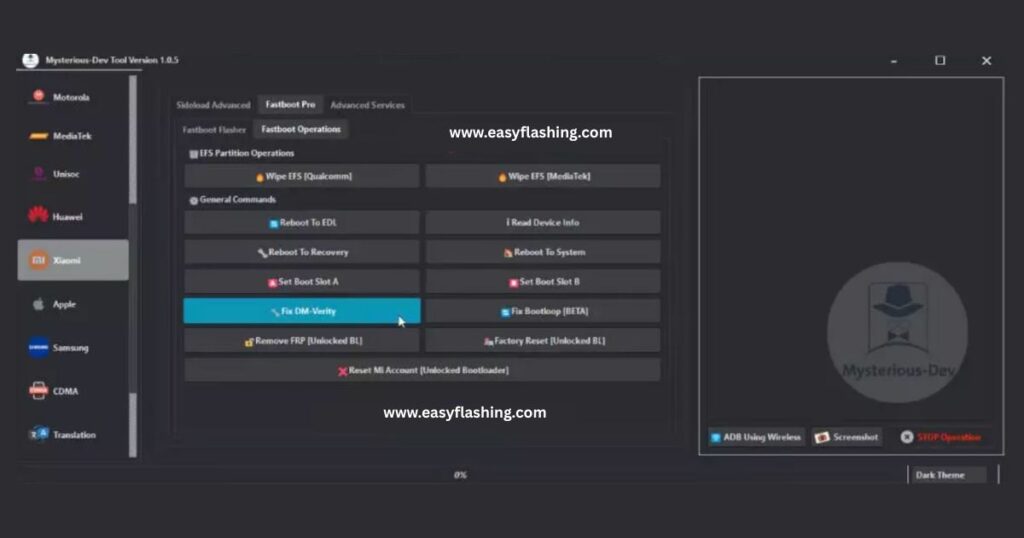
The Mysterious-Dev Tool V1.1.2 latest version stands out as a versatile solution for anyone working with Android devices. This tool helps users handle common mobile repair tasks, from bypassing security features to restoring device functionality. In 2026, its updated features make it easier for beginners to manage device issues without advanced technical knowledge. Whether you fix phones as a hobby or run a small repair shop, this tool offers practical support for a wide range of Android models.
Mobile tools like this one simplify complex processes. They allow you to address problems such as locked screens or software glitches efficiently. As technology evolves, tools that support the latest Android versions become essential. This article breaks down everything you need to know about the Mysterious-Dev Tool latest version, including how to get started safely.
Understanding the Basics of Mysterious-Dev Tool
You start your journey with any mobile repair tool by grasping its core purpose. The Mysterious-Dev Tool serves as an all-in-one platform for Android device servicing. It combines multiple functions into a single interface, which reduces the need for separate software programs.
This tool targets common challenges in mobile maintenance. For instance, it assists with resetting protections that prevent unauthorized access after a factory reset. Beginners appreciate its straightforward design, which avoids overwhelming menus. You connect your device, select an option, and follow on-screen prompts.
Experts in mobile repair often rely on such tools to streamline their workflow. The V1.1.2 update in 2026 introduces enhancements that improve speed and compatibility. You gain access to features that work across various chipsets, making it a reliable choice for diverse devices.
Consider how this fits into the broader world of mobile development tools. As Android ecosystems grow, tools that handle security and firmware updates play a key role. They ensure devices run smoothly, even after software changes or hardware tweaks.
Key Features That Make V1.1.2 Stand Out
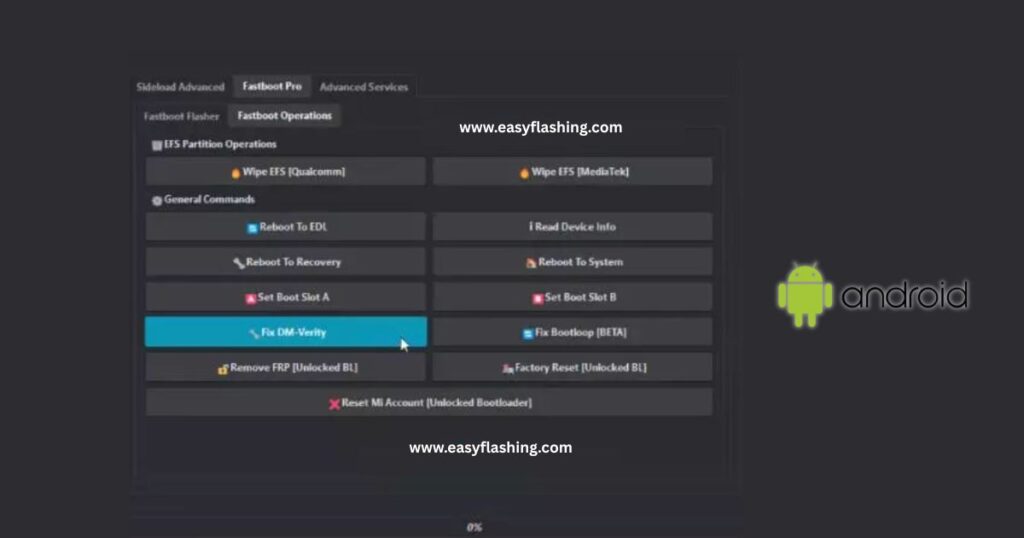
Features define the value of any mobile tool. The Mysterious-Dev Tool V1.1.2 latest version brings several standout capabilities tailored for ease of use.
- FRP Bypass Options: You bypass Factory Reset Protection on supported devices. This feature helps when you forget account details after a reset. The tool offers multiple methods, including one-click operations for quick results.
- IMEI Repair Functions:Repair International Mobile Equipment Identity numbers safely. This restores network connectivity on devices with corrupted data. You back up originals first to avoid issues.
- Firmware Flashing Capabilities: Flash custom or stock firmware to update or repair software. The tool supports various file formats, ensuring compatibility with different brands.
- SIM and Network Unlocking: Unlock carrier restrictions or SIM locks. This allows flexibility in using devices across networks.
- Additional Utilities: Read device information, manage partitions, and perform backups. These extras help in diagnostics and data preservation.
The update adds a universal FRP MTP Browser menu. You launch browsers or apps directly in MTP mode, which simplifies bypassing steps on many Android versions. ADB services expand, letting you run custom commands or fix specific issues like Wi-Fi problems.
Compared to earlier versions, V1.1.2 boosts performance by 30%. It includes AI-assisted troubleshooting, where the tool suggests fixes based on error codes. This makes it beginner-friendly, as you receive guidance without deep expertise.
Benefits for Beginners in Mobile Repair
- Beginners enter the world of mobile tools with caution. The Mysterious-Dev Tool eases this transition by focusing on simplicity.
- You avoid complex coding or hardware modifications. Instead, the tool uses graphical interfaces that guide you through each step. For example, connecting a device triggers auto-detection, reducing guesswork.
- Learning mobile repair builds skills over time. This tool accelerates that process by providing built-in tutorials and logs. You review past operations to understand what worked.
- Safety ranks high in benefits. Built-in checks prevent common errors, like overwriting critical data. Beginners learn best practices, such as always creating backups before changes.
- In a global context, this tool supports multiple languages. You switch interfaces to match your preference, making it accessible worldwide.
- Beyond repairs, it fosters creativity in mobile customization. You experiment with firmware updates to enhance device performance, all within a safe environment.
How to Download the Tool Safely in 2026
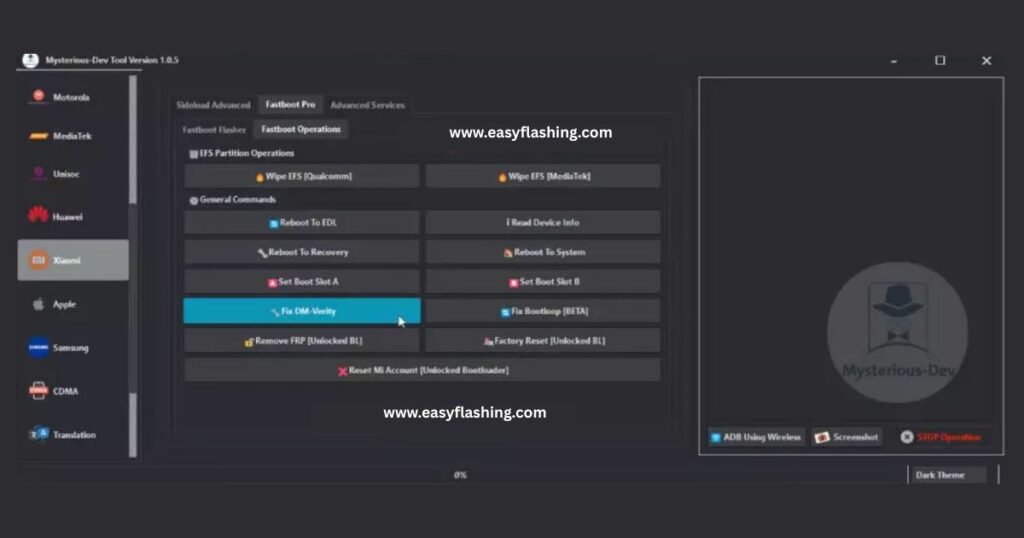
Downloading software requires vigilance to ensure authenticity. For the Mysterious-Dev Tool V1.1.2 latest version, stick to official sources.
- Visit the official website at (mysterious-dev.com) for the latest free version. This site offers direct downloads without intermediaries.
- Check file integrity after download. Use antivirus software to scan for threats. Official files come with checksums you verify.
- Avoid third-party sites that promise faster downloads. These often bundle malware. Forums like XDA Developers (xda-developers.com) discuss verified links.
- In 2026, updates include cloud-based downloads for faster access. Enable auto-updates within the tool to stay current without manual searches.
- Remember, free versions have limitations. They suit beginners testing features before considering upgrades.
Step-by-Step Installation Guide
Installation sets the foundation for smooth use. Follow these steps for the Mysterious-Dev Tool on Windows systems.
- First, prepare your computer. Ensure it runs Windows 7 or later with at least 4GB RAM. Download prerequisites like .NET Framework from Microsoft’s site (microsoft.com).
- Extract the downloaded file. Run the setup.exe as administrator. Select installation path and components.
- Install USB drivers next. The tool includes a driver installer. Run it to add support for MediaTek, Qualcomm, and other chipsets.
- Launch the tool. It may prompt for updates. Accept to get V1.1.2 features.
- Test connectivity. Connect an Android device in the appropriate mode, like Fastboot or EDL. The tool detects it automatically.
Troubleshoot if needed. Disable antivirus temporarily during install, then re-enable.This process takes 10-15 minutes. Once done, you access all features.
Supported Devices and Chipsets
- Compatibility ensures the tool works for your needs. The Mysterious-Dev Tool covers a broad range of Android devices.
- Major brands include Samsung, Xiaomi, Huawei, OPPO, Vivo, Realme, Infinix, and Tecno. It also supports Motorola, LG, Nokia, and more.
- Chipsets play a crucial role. MediaTek devices benefit from BROM mode exploits. Qualcomm uses EDL for deep access. Unisoc and Exynos have dedicated modules.
- In V1.1.2 support expands to over 300 new models from 2024-2026. This includes foldables and 5G-enabled phones.
Check the official supported models list at (mysterious-dev.com) It updates regularly. For global users, the tool handles regional variants. You select country codes for accurate operations.
Detailed Usage Tutorials for Common Tasks
Hands-on tutorials build confidence. Let’s cover key tasks with the Mysterious-Dev Tool V1.1.2.
FRP Bypass Tutorial
- Connect your device in MTP mode. Select the FRP MTP Browser menu. The tool auto-detects and bypasses protection.
- Launch a browser to add a new account. Reboot to complete.
- This method works on Android 9-16 without data loss.
IMEI Repair Steps
- Enter diagnostic mode. Back up current IMEI.
- Input new details via the repair module. Write to the NV partition.
- Verify with *#06# after reboot.
- Use this for network issues, always with legal permission.
Firmware Flashing Guide
- Download compatible firmware from sites like SamMobile (sammobile.com) for Samsung.
- Load files in the tool. Select partitions.
- Connect in Download Mode. Start flashing until success.
- This restores bricked devices or updates software.
SIM Unlock Process
- Read lock status first. Select network unlock.
- Enter codes if required. Execute and test with a new SIM.
- Permanent unlocks free your device for any carrier.
- These tutorials emphasize safety. Always back up data.
Advanced Tips for Efficient Use
- As you gain experience, advanced tips enhance your workflow.
- Organize your database. The tool allows custom paths for logs and backups.
- Use batch operations for multiple devices. This saves time in professional settings.
- Integrate with complementary tools like ADB from Android SDK (developer.android.com).
- Enable dark mode for extended sessions. It reduces eye strain.
- Monitor updates via the official Telegram channel (MysteriousDevOfficial).
- Experiment with ADB shell for custom scripts. This adds flexibility.
Troubleshooting Common Issues
- Problems arise, but solutions exist.
- If drivers fail, reinstall via the tool’s auto-fixer.
- Connection issues? Try different USB ports or cables.
- Operation failures often stem from incompatible modes. Double-check device state.
- Crashes? Run as admin and exclude from antivirus.
- For black screens in screenshots, update graphics drivers.
- Community forums like the official Facebook group (Mysterious.Dev) offer help.
Safety and Legal Considerations
- Safety protects you and your devices.
- Always back up before operations. Use ESD protection for hardware.
- Legally, ensure you own the device or have permission. Check local laws on unlocking and IMEI changes.
- The tool follows ethical guidelines. Use it for educational or professional purposes.
- Avoid sharing modified devices without disclosure.
- In 2026, right-to-repair laws support such tools, promoting sustainability.
The Evolution of Mobile Repair Tools
- Mobile repair tools have come far. Early versions focused on basic flashing.
- By 2021, FRP features emerged as security tightened.
- 2023 added IMEI and partition tools.
- In 2026, AI integration predicts issues, making tools smarter.
- This evolution reflects Android’s growth. Tools adapt to new chipsets and OS versions.
- Future trends include cloud-based repairs and hardware integration.
Video tutorial: How to use Mysterious-Dev Tool
Mysterious-Dev Tool Free 2026
Click ( TOOL )
Click 2 ( TOOL )
Why Choose This Tool in a Crowded Market
- Choices abound, but key factors set this apart.
- Its free version offers substantial features for beginners.
- Universal support reduces the need for brand-specific software.
- Regular updates keep it relevant.
- User feedback drives improvements, as seen in V1.1.2.
- It balances power with accessibility.
Integrating with Your Daily Workflow
- Incorporate the tool into routines.
- Start with diagnostics. Read info to identify issues.
- Proceed to repairs. Log everything for records.
- For shops, train staff on basics.
- Home users benefit from occasional updates.
- This integration boosts efficiency.
Community and Support Resources
Communities strengthen tool use & resources foster learning.
- Join the official YouTube channel (youtube.com) for video guides.
- Official blog (blog.mysterious) shares updates.
Future Updates and What to Expect
Look ahead to enhancements.
- Short-term: More AI features and model additions.
- Medium-term: Mobile app versions.
Trends like 6G and foldables will influence.
Stay subscribed for news.
The Mysterious-Dev Tool V1.1.2 latest version empowers users worldwide. It delivers reliable mobile repair solutions in a user-friendly package.
(FAQ)
What is the Mysterious-Dev Tool V1.1.2 latest version used for?
The Mysterious-Dev Tool V1.1.2 latest version helps with Android device repairs. You use it for tasks like bypassing FRP, repairing IMEI, flashing firmware, and unlocking networks. It suits beginners needing simple tools for common issues.
How do I download Mysterious-Dev Tool latest version for free in 2026?
Download from the official site at [https://www.mysterious-dev.com/download.html](https://www.mysterious-dev.com/download.html). Verify the file and scan for safety. Avoid unofficial sources to prevent risks.
Does Mysterious-Dev Tool V1.1.2 support my Android device?
It supports many brands like Samsung, Xiaomi, OPPO, and Vivo. Check the models list on the official site. It works with MediaTek, Qualcomm, and other chipsets.
Is it safe to use Mysterious-Dev Tool for IMEI repair?
Yes, when used correctly on owned devices. Always back up data and follow legal guidelines. The tool includes safety checks to minimize risks.
What new features come with Mysterious-Dev Tool V1.1.2 update?
The update adds universal FRP MTP Browser, direct app launches, new ADB services, MDM removals, and Samsung translation. It improves speed and compatibility for 2026 devices.



4 thoughts on “Mysterious-Dev Tool V1.1.2 Latest Version (FREE-2026)”