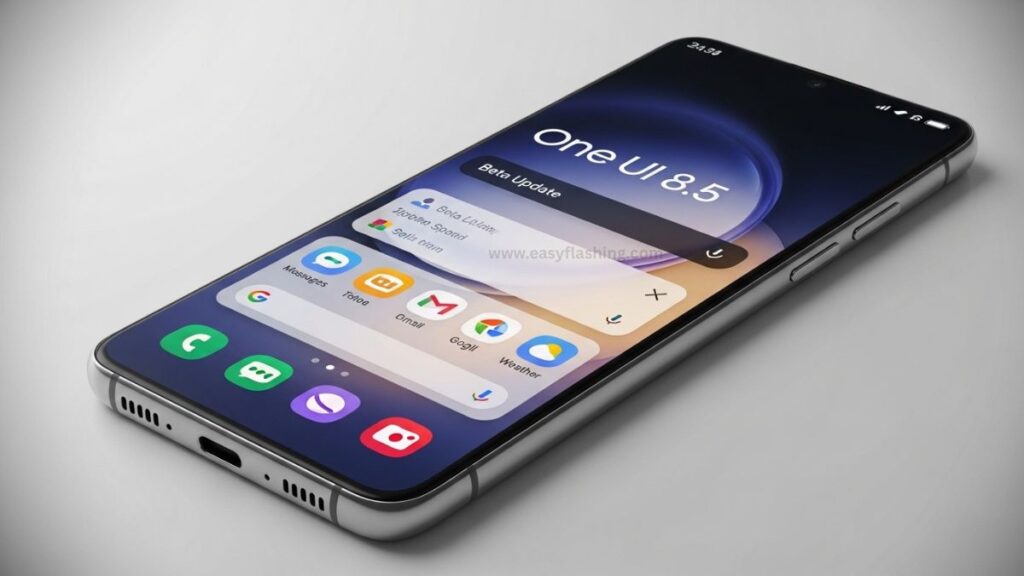
By reading this article, I will try to Give you complete information about the Samsung One UI 8.5 Official Beta 4 — the latest incremental beta update rolling out for Galaxy S25, S25+, and S25 Ultra devices worldwide. This update continues Samsung’s work refining One UI 8.5 ahead of the stable release, which is expected to arrive alongside the Galaxy S26 series later this month.
One UI is Samsung’s custom software layer built on top of Android. The Beta 4 release focuses on meaningful quality-of-life enhancements, bug fixes, system stability improvements, and adds the most awaited feature many users have been talking about: Direct Voicemail with live transcription.
Overview of One UI 8.5 Beta 4 Update Release
Global Rollout Begins
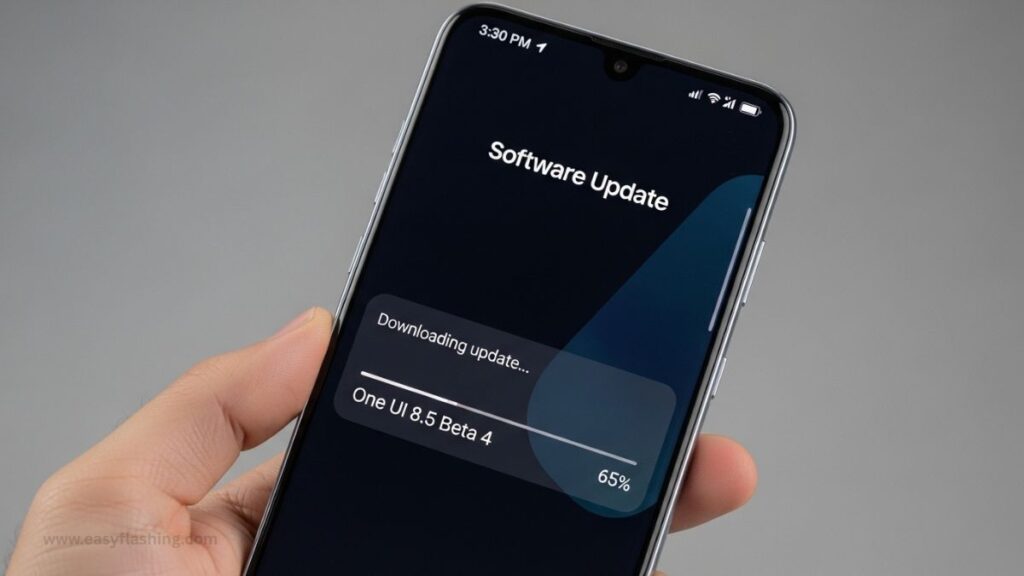
Samsung has begun rolling out One UI 8.5 Official Beta 4 to the Galaxy S25 series in multiple regions including the US, UK, Germany, India, and South Korea.
This beta build (typically around 1.5 GB) carries the latest February 2026 Android security patch, ensuring your device stays protected against the most recent vulnerabilities.
How to Install (Beta Program Prerequisite)
If your device is enrolled in the One UI beta program, you can check for the update via:
- Settings > Software Update > Download and Install
This simple path pulls the latest Beta 4 build over the air (OTA).
Benefit: AOTA updates are smooth and require no manual flashing.
Example: Galaxy S25 users in the US are already receiving this build as of early February 2026.
Most Anticipated Feature: Direct Voicemail
What Is Direct Voicemail?
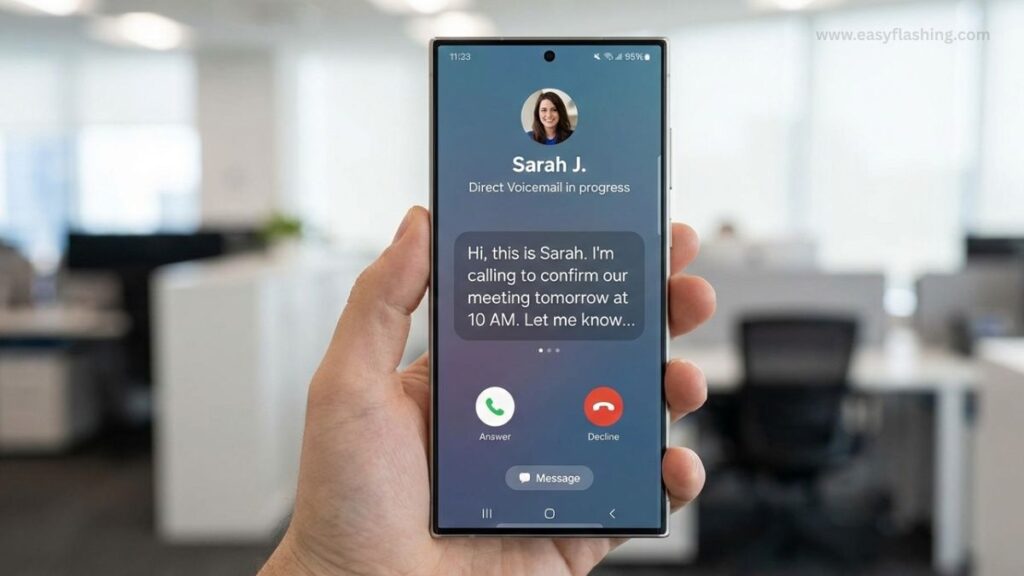
One UI 8.5 Beta 4 adds Direct Voicemail, a feature that records voicemail directly on the device and shows real-time text transcription in the Phone app.
This works similarly to “Live Voicemail” on other platforms — giving you a text preview of messages while they’re being left.
Practical Benefits for Users
- Read voicemail transcripts live: See what the caller is saying as they leave the message.
- Immediate decision-making: If a voicemail is important, you can pick up mid-message.
- No carrier dependency: The phone does the transcription, reducing reliance on carrier voicemail systems.
System-Level Bug Fixes and Stabilization
Call and Audio Issue Fixes
One UI 8.5 Beta 4 resolves annoying behaviors such as:
- Bug where calls would switch to another audio output unexpectedly
- Bluetooth headset voice quality problems
- Lock screen clock layout shifts
- Errors when pasting numbers into the dialer
- AI Select menu not closing after copying text
Benefit: A more fluid, predictable experience during phone calls and routine use.
Example: No more unexpected speakerphone switching mid-call.
Improved General Stability
This fourth beta is widely regarded as a stability milestone, bringing smoother performance compared to earlier betas.
Users have reported fewer crashes, better responsiveness, and calmer overall behavior — which means this build feels closer to what a final release might look like.
Visual and UI Enhancements in One UI 8.5
One UI Home Improvements
The Beta 4 update brings a faster and more fluid One UI Home launcher, which strengthens the everyday home screen experience.
This improvement helps reduce animation lag and makes navigating widgets and apps feel smoother.
UI Refinements and Design Consistency
One UI 8.5 as a whole continues Samsung’s trend toward a more responsive, coherent interface — especially in animation behavior, menu transitions, and system visuals.
These visual refinements may not be flashy, but they enhance usability over time.
What This Update Means for the Future
Prepares the Software for Stable Release
One UI 8.5 Beta 4 appears to be the final major polish before the official launch alongside the Galaxy S26 lineup, expected later in February 2026.
The focus on bug fixes, stability, and functional features suggests Samsung is wrapping up its beta cycle.
5.2 Likely Rollout to Other Devices After S26 Launch
After the stable release for the Galaxy S26 series, Samsung will probably begin expanding One UI 8.5 to other eligible devices — including Galaxy S25 models, Galaxy Z series, and tablets — in the coming months.
Benefit: Stable updates generally arrive faster after a well-tested beta process.
Who Can Install One UI 8.5 Beta 4?
Currently Supported Devices
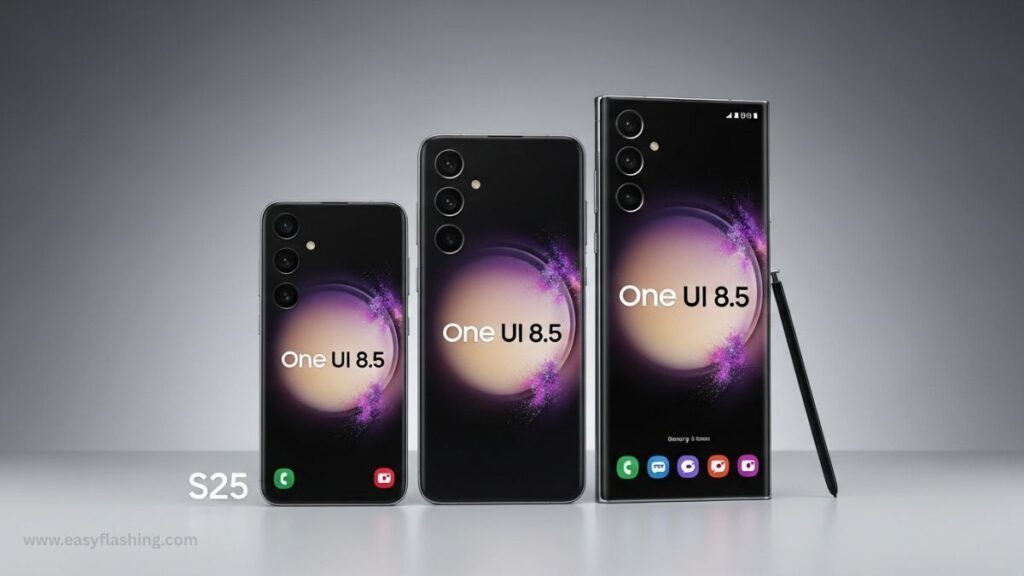
At present, the direct beta release for One UI 8.5 Beta 4 is focused on:
- Galaxy S25
- Galaxy S25+
- Galaxy S25 Ultra
These are the flagship models that Samsung prioritizes for early software testing.
Enrollment Notes (Beta Program)
To get the beta, you must be enrolled in Samsung’s One UI beta testing program through the Samsung Members app — which may differ by region and availability.
Note: Some users have reported beta registration closing or availability changing near launch periods.
How One UI 8.5 Beta 4 Enhances Everyday Features
Phone & Calling Improvements
With direct voicemail and phone app fixes:
- Reading voicemail content becomes easier
- Fewer call handling issues
- Better Bluetooth headset behavior
Practical Example: Locking calls from switching unexpectedly when using earbuds.
AI Select and Copy Behavior
Earlier releases suffered UI hiccups where the AI Select tool wouldn’t auto-close after copying text. Beta 4 fixes this for a smoother user experience.
Lock Screen and UI Bugs Fixed
Clock position glitches, lock screen misalignment, and interface layout bugs are addressed — resulting in:
- Cleaner lock screen visuals
- Less distraction during daily use
Samsung One Ui 8.5 Official Update 2026
(Q&A)
Q1: What is Samsung One UI 8.5 Official Beta 4?
A1: It’s the fourth beta release of Samsung’s One UI 8.5 software for Galaxy S25 devices, focusing on bug fixes, stability improvements, and new features like Direct Voicemail.
Q2: What are the main new features in Beta 4?
A2: The standout addition is Direct Voicemail with live transcription, plus several system stability and phone/calling fixes.
Q3: How do I install the update?
A3: If enrolled in the One UI beta program, go to Settings > Software Update > Download and Install to get Beta 4.
Q4: Will the stable version be released soon?
A4: Yes — Samsung is expected to launch the stable One UI 8.5 with the Galaxy S26 series in late February 2026.
Q5: Is Direct Voicemail available globally yet?
A5: It is part of the Beta 4 release in many regions, but wider global rollout depends on Samsung’s phased distribution schedule.
Trusted Resource
For official insights on Android version updates and mobile UX improvements:
Android Developers – Platform Versions & Tools
By reading this article, You to understand not only what changed in the Samsung One UI 8.5 Official Beta 4 update but also why it matters for everyday use — and how these enhancements pave the way for a smoother, more refined mobile experience.


