Samsung smartphones and tablets rely on firmware to function properly. When your device faces issues like boot loops, software bugs, failed updates, or performance problems, downloading and installing the correct firmware can fix many of these issues. However, many beginners get confused when they see two major options online: official Samsung firmware files and unofficial firmware files.
What Is Samsung Firmware?
Samsung firmware is the core system software that runs your Samsung phone or tablet. It controls how the device boots, how Android works, how hardware communicates, and how features like Wi-Fi, camera, and network signals function.
In simple words:
- Firmware = Operating system + system instructions
- Without firmware, a phone cannot turn on or work
Samsung firmware files usually include:
- Bootloader
- Android OS
- System apps
- Modem and network files
- Security patches
When people search for mobile flash file or mobile firmware file, they usually mean these Samsung firmware packages used for flashing or reinstalling software.
Why People Download Samsung Firmware Files
Users download Samsung firmware for many valid reasons, including:
- Fixing a phone stuck on the Samsung logo
- Repairing software crashes or boot loops
- Removing malware or corrupted updates
- Manually updating Android version
- Downgrading Android for compatibility
- Restoring stock firmware before selling a phone
- Fixing network or signal issues
- Recovering a soft-bricked device
Understanding whether to use official vs unofficial firmware files is critical to avoid permanent damage.
Types of Samsung Firmware Files Explained
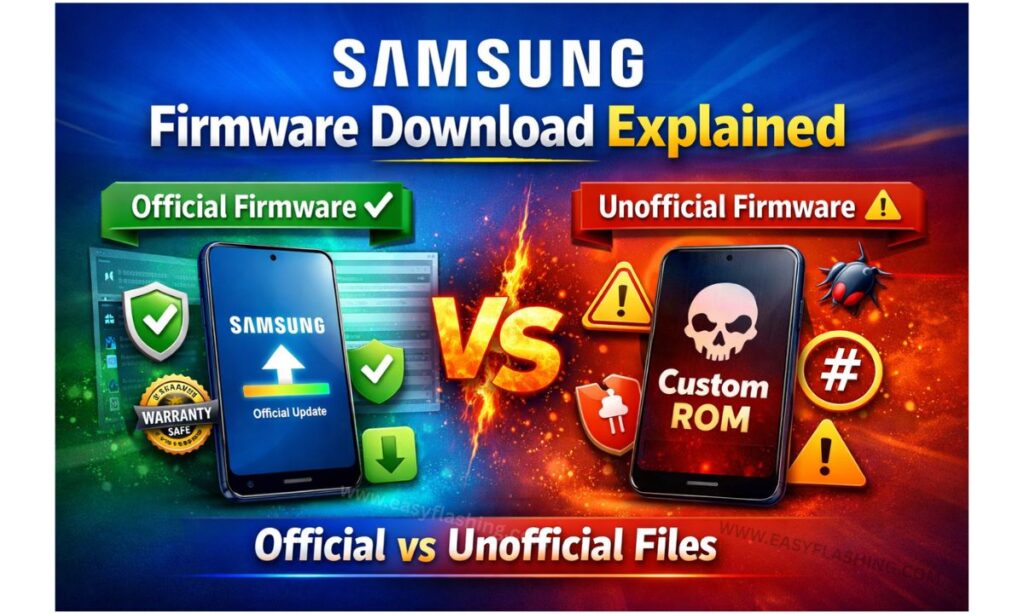
Samsung firmware files are broadly divided into two categories:
- Official Samsung Firmware Files
- Unofficial Samsung Firmware Files
Each type serves a different purpose and comes with different levels of risk.
Official Samsung Firmware Files (Fully Explained)
What Is Official Samsung Firmware?
Official Samsung firmware is software released, signed, and verified by Samsung Electronics. These files are the same firmware versions pushed through OTA (Over-The-Air) updates.
They are designed specifically for:
- Device model
- Region (CSC)
- Network carrier
- Hardware configuration
Key Features of Official Samsung Firmware
- Digitally signed by Samsung
- Fully compatible with Samsung devices
- Passes Samsung security checks
- Supports OTA updates
- Maintains Knox security status (in most cases)
- Stable and tested by Samsung
Common File Types in Official Firmware
Official firmware packages often include multiple files such as:
- AP (System & recovery)
- BL (Bootloader)
- CP (Modem)
- CSC (Country & carrier settings)
- HOME_CSC (Keeps user data during flash)
These files are flashed using tools like Odin, Samsung’s internal flashing utility.
Advantages of Official Samsung Firmware
- Safest option for beginners
- No malware or hidden code
- Best system stability
- Maintains device warranty (in most cases)
- Fixes software issues reliably
- Compatible with Samsung services
Limitations of Official Firmware
- No root access
- No custom features
- Slower update rollout in some regions
- Cannot bypass FRP or Samsung locks
- Limited customization options
When You Should Use Official Samsung Firmware
Use official firmware if:
- Your phone is boot looping
- You want to restore stock Android
- You plan to sell your phone
- Your device is under warranty
- You want maximum safety and stability
Unofficial Samsung Firmware Files (Fully Explained)
What Is Unofficial Samsung Firmware?
Unofficial firmware refers to custom or modified software not released by Samsung. These files are created by independent developers or Android communities.
They may include:
- Custom ROMs
- Modified stock firmware
- Rooted firmware
- Combination or engineering firmware
Types of Unofficial Firmware Files
Custom ROMs
- Based on Android Open Source Project
- Examples include LineageOS-style builds
- Offer customization and newer Android versions
Modified Stock Firmware
- Based on Samsung firmware
- Debloated or rooted
- Tweaked performance
Combination Firmware
- Used for testing and debugging
- Often used by technicians
- Not intended for daily use
Advantages of Unofficial Firmware
- More customization options
- Root access available
- Remove bloatware
- Advanced features
- Faster Android updates (sometimes)
Risks of Unofficial Firmware Files
- Can void warranty
- Knox security permanently tripped
- Possible malware risk
- Unstable performance
- Banking apps may stop working
- OTA updates usually disabled
- Risk of hard brick if flashed incorrectly
When Unofficial Firmware Makes Sense
Use unofficial firmware only if:
- You understand flashing risks
- Warranty is not important
- You need root access
- You want advanced customization
- You are an experienced user or technician
Beginners should avoid unofficial firmware unless absolutely necessary.
Official vs Unofficial Samsung Firmware: Side by Side Comparison
| Feature | Official Firmware | Unofficial Firmware |
| Safety | Very high | Medium to low |
| Stability | Excellent | Varies |
| Warranty | Usually safe | Often void |
| Customization | Limited | High |
| OTA Updates | Supported | Not supported |
| Knox Status | Preserved | Tripped |
| Beginner Friendly | Yes | No |
How to Identify Official Samsung Firmware Files
To avoid downloading unsafe files, check the following:
- Exact device model number (example: SM-A515F)
- Matching CSC / region code
- Android version and build number
- Secure and trusted firmware sources
- No modified or repacked files
Reliable sources include Samsung firmware repositories that mirror original files from Samsung servers.
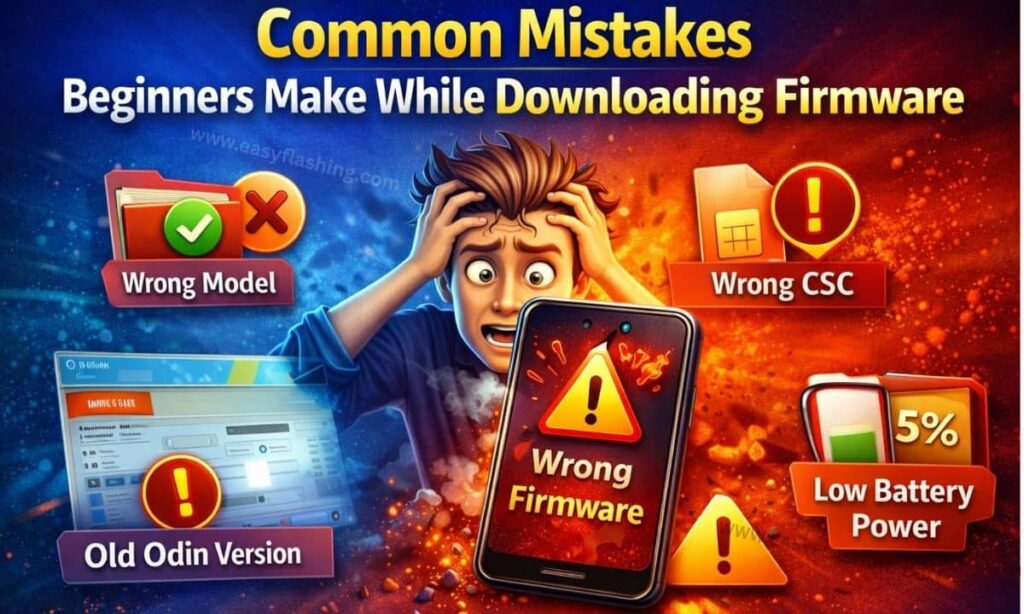
Common Mistakes Beginners Make While Downloading Firmware
- Flashing wrong model firmware
- Ignoring region or CSC code
- Using unofficial firmware without backup
- Interrupting flashing process
- Using outdated Odin version
- Not charging battery before flashing
These mistakes can permanently damage a device.
Tools Required to Flash Samsung Firmware
To flash Samsung firmware safely, you need:
- Windows PC
- Samsung USB drivers
- Odin flashing tool
- Correct firmware package
- Original USB cable
- Minimum 50% battery
Always follow flashing instructions carefully.
Samsung Firmware and Security Explained Simply
Samsung devices use advanced security systems:
- Knox security
- Secure boot
- FRP protection
- Encrypted partitions
Official firmware respects all security layers. Unofficial firmware often bypasses or disables them, increasing risk.
Can Firmware Fix Network and IMEI Issues?
Official firmware can:
- Fix baseband errors
- Repair network issues caused by software
- Restore original modem files
However:
- Firmware cannot legally change IMEI
- Hardware damage cannot be fixed by flashing
Is Samsung Firmware Download Legal?
Yes, downloading and flashing official Samsung firmware is legal for personal device repair and restoration. However:
- Redistributing modified firmware may violate terms
- Bypassing security protections may break local laws
Always follow local regulations.
External Resources for Learning More About Samsung Firmware
- Samsung Official Support Website
https://www.samsung.com/support - Android Open Source Project Documentation
https://source.android.com - Samsung Knox Security Overview
https://www.samsungknox.com
These resources provide authoritative and trustworthy information.
(Q&A)
Is it safe to download Samsung firmware files?
Yes, downloading official Samsung firmware files is safe when obtained from trusted sources and flashed correctly. Unofficial files carry higher risk.
What is the difference between official and unofficial Samsung firmware?
Official firmware is released by Samsung and is stable and secure. Unofficial firmware is modified or custom software created by third parties and may affect warranty and security.
Can official Samsung firmware remove software problems?
Yes, official firmware can fix boot loops, crashes, update failures, and most software-related issues.
Should beginners use unofficial Samsung firmware?
No. Beginners should always use official Samsung firmware because it is safer, easier, and fully compatible with Samsung devices.
Does flashing firmware delete data?
Yes, in most cases flashing firmware erases user data. Using HOME_CSC may keep data, but backups are strongly recommended.
Which Samsung Firmware Should You Choose?
If your goal is safety, stability, and long-term reliability, official Samsung firmware is always the best choice. It protects your device, maintains security, and fixes software issues without unnecessary risks.
Unofficial firmware has its place, but only for advanced users who understand Android flashing deeply.
For beginners searching Samsung firmware download explained – official vs unofficial files, the rule is simple:
When in doubt, always choose official firmware.
This approach keeps your Samsung device secure, functional, and future-proof across all regions and countries.



2 thoughts on “Samsung Firmware Download Explained Official vs Unofficial Files”