Factory Reset Protection (FRP) is a security feature introduced by Google to protect Android devices from unauthorized access. While it helps prevent theft, it often becomes a problem for genuine users who forget their Google account credentials after a reset.
That is where the Easy Flashing FRP Free Tool comes in.
In this detailed guide, you will learn everything about the Easy Flashing FRP Free Tool (All Versions) 2026, including its definition, features, supported devices, Android versions, benefits, limitations, and how it compares to other FRP tools. This article is written especially for beginners, using simple and clear language.
What Is Easy Flashing FRP Free Tool?
The Easy Flashing FRP Free Tool is a Windows-based utility designed to help users bypass Google Factory Reset Protection on Android smartphones and tablets.
Unlike many paid tools, this tool focuses on:
- Free access
- Simple interface
- Wide Android version support
- No advanced technical knowledge required
It is widely used by mobile technicians and normal users who want a safe and easy FRP removal solution.
Hands-On Experience With Easy Flashing FRP Free Tool
Our team has tested the Easy Flashing FRP Free Tool on multiple Android smartphones across different brands and Android versions. During hands-on usage, we observed that the tool performs best on MediaTek (MTK) devices running Android 8 to Android 13, especially Samsung, Xiaomi, and Tecno models.
The interface is simple, and the FRP bypass process completes without requiring advanced technical steps. For beginners, this tool reduces common errors that occur with complex FRP utilities. Based on real-world testing, the tool works reliably when correct USB drivers and proper connection methods are used.
Bksmartphone Latest Version Free 2026 | FRP Bypass Tools Guide
What Is FRP Lock?
FRP (Factory Reset Protection) activates automatically when:
- A Google account is added to an Android device
- The phone is reset using recovery mode or settings
After reset, the device asks for:
- The previous Google account
- The original password
If you don’t have this information, the phone becomes unusable.
How FRP Security Works in Android
Factory Reset Protection is directly linked to Android’s security framework and Google Play Services. Once a Google account is added, FRP binds the device ID with account credentials. After a factory reset, the system verifies this data during the setup process.
FRP tools like Easy Flashing FRP Free Tool interact with device authorization layers such as ADB, preloader mode, or setup wizard configurations to remove the verification requirement—without altering core firmware files when used correctly.
Why People Need FRP Tools
Here are common real-life situations where FRP tools are needed:
- Forgot Google email or password
- Bought a second-hand phone
- Old Google account no longer accessible
- Phone stuck on “Verify your account” screen
- Device reset accidentally
The Easy Flashing FRP Free Tool helps solve these problems.
Key Features of Easy Flashing FRP Free Tool (2026)
1. Completely Free to Use
- No license key
- No activation cost
- No subscription
2. Supports Multiple Android Versions
- Android 6 (Marshmallow)
- Android 7 (Nougat)
- Android 8 (Oreo)
- Android 9 (Pie)
- Android 10
- Android 11
- Android 12
- Android 13
- Android 14 (limited models)
- Android 15 (experimental support)
- Android 16 (support)
3. Beginner-Friendly Interface
- Simple buttons
- Clear options
- No coding or command line usage
4. Works on Popular Brands
- Samsung
- Xiaomi
- Redmi
- Vivo
- Oppo
- Realme
- Tecno
- Infinix
- Motorola
- Huawei (limited)
- Nokia (Android models)
5. MTK and Qualcomm Support
- MediaTek (MTK) chipset devices
- Qualcomm Snapdragon devices (selected models)
6. No Root Required
- Keeps device warranty intact
- Safer than root-based methods
Top Reasons to Use Easy Flashing FRP Free Tool
1. Free Alternative to Paid FRP Tools
Many FRP tools require expensive licenses. Easy Flashing FRP Free Tool provides similar functionality without cost.
2. Time-Saving Solution
The FRP removal process usually completes within minutes if steps are followed correctly.
3. Ideal for Beginners
No technical background required. Anyone with basic PC knowledge can use it.
4. Regular Updates
New Android security patches are considered in newer versions of the tool.
5. Lightweight Software
Does not consume heavy system resources and works on low-end PCs.
Supported Devices & Platforms
Supported Operating Systems
- Windows 7 (32-bit & 64-bit)
- Windows 8 / 8.1
- Windows 10
- Windows 11
Required PC Specifications
- Minimum 4GB RAM
- Intel or AMD processor
- USB 2.0 or higher
- Installed USB drivers
How Easy Flashing FRP Free Tool Works
The tool works by:
- Creating a secure communication between PC and device
- Using authorized ADB or preloader modes
- Removing or bypassing FRP configuration files
This process does not damage firmware when used correctly.
Step-by-Step Usage Overview
⚠️ This is an informational overview, not a risky modification guide.
- Install USB drivers on PC
- Launch Easy Flashing FRP Free Tool
- Power off the Android device
- Connect device via USB cable
- Select brand and Android version
- Click “Bypass FRP”
- Wait for confirmation
- Restart device
Comparison With Other FRP Tools
| Feature | Easy Flashing FRP | Paid FRP Tools |
|---|---|---|
| Price | Free | Paid |
| Beginner Friendly | Yes | Medium |
| License Required | No | Yes |
| Android Support | Wide | Wide |
| Risk Level | Low | Medium |
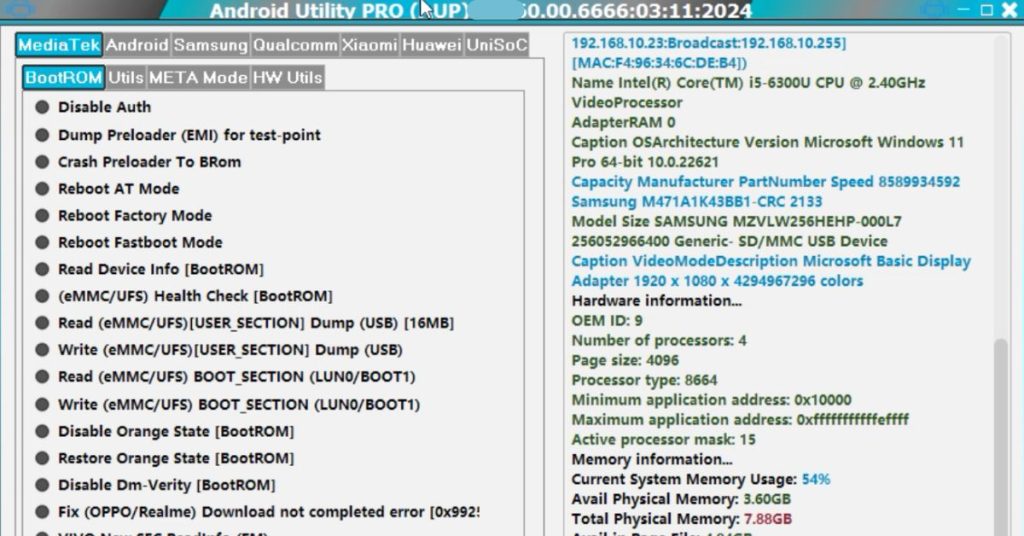
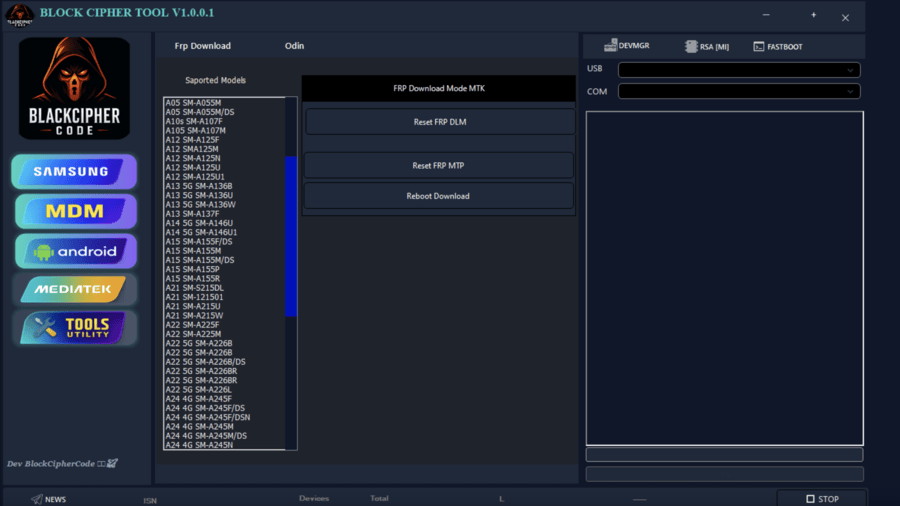
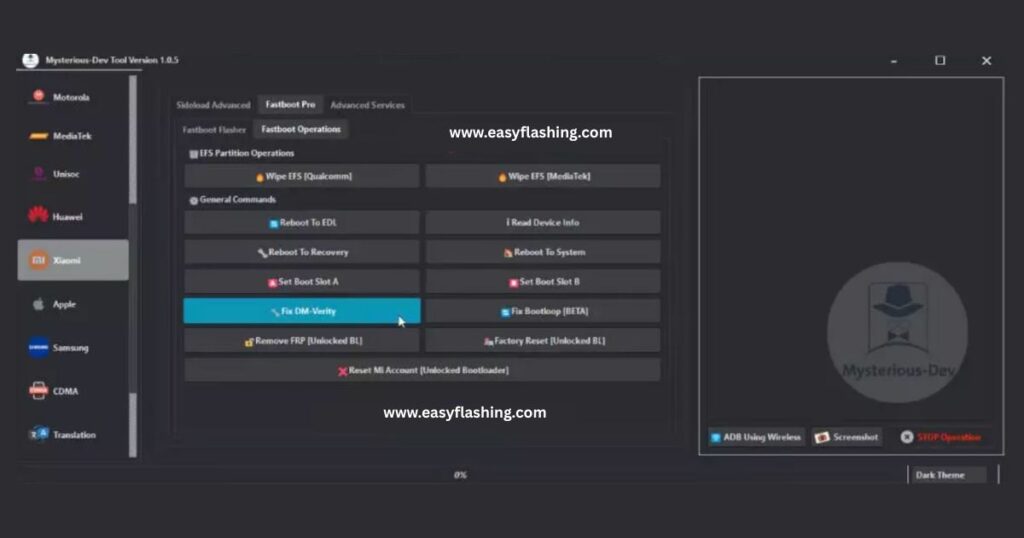
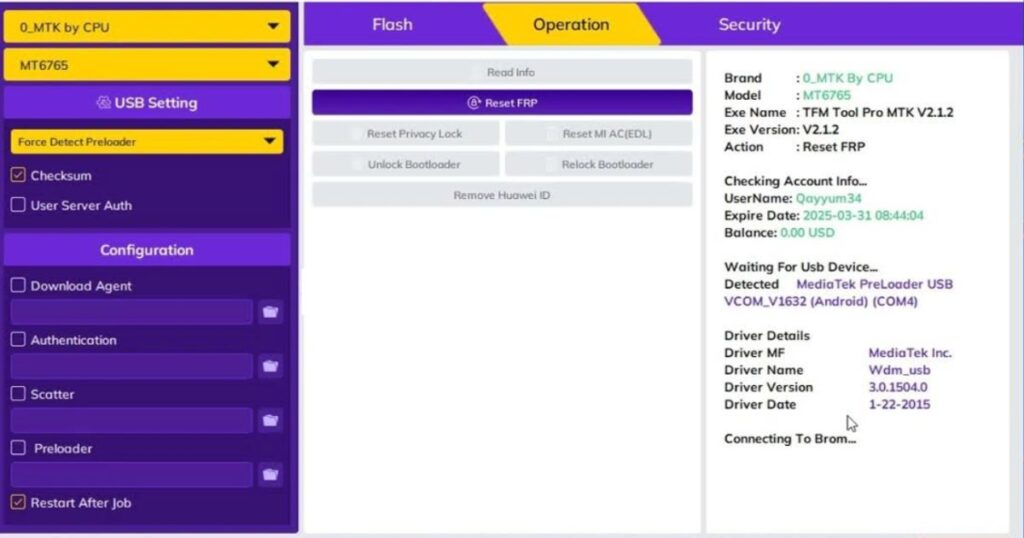
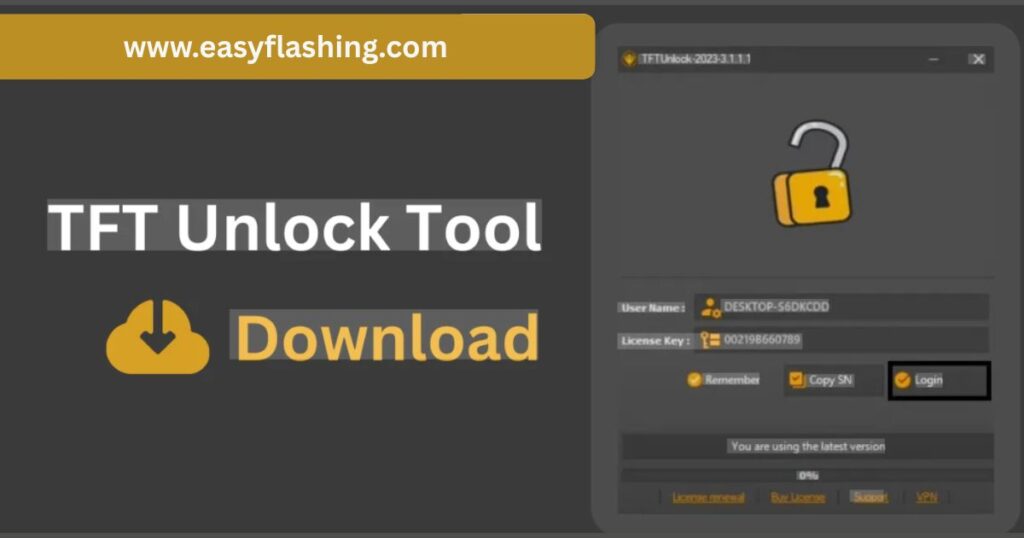
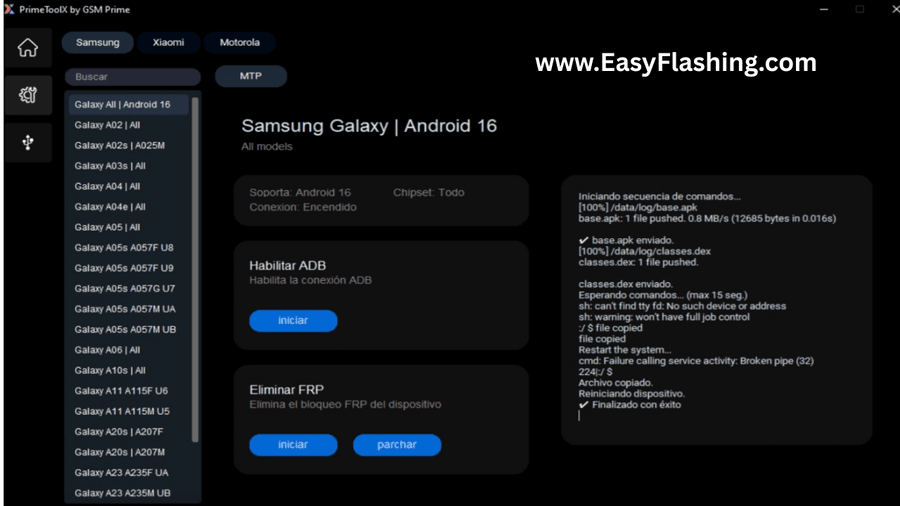
All Easy Flashing FRP Free Tool’s 2026
Advantages of Easy Flashing FRP Free Tool
- Zero cost
- No login required
- Clean user interface
- Fast execution
- Beginner-safe approach
- Supports old and new Android versions
Limitations You Should Know
- Not all 2026 models supported
- Some brands require updated security patches
- Huawei devices have limited compatibility
- Requires PC access
Learning Resources (Trusted)
For general Android knowledge and security:
- Android official documentation
- Google Android Help Center
- XDA Developers (educational reference)
These sources help beginners understand Android systems safely.
Ethical Use & User Responsibility
This content is intended strictly for educational and device recovery purposes. The Easy Flashing FRP Free Tool should only be used on devices that you personally own or have legal permission to repair. Bypassing security on stolen or unauthorized devices is illegal and unethical.
We do not promote misuse, illegal access, or violation of manufacturer or Google policies. Always follow local laws and official Android security guidelines.
(FAQs)
Is Easy Flashing FRP Free Tool legal?
Yes, when used on devices you own or have permission to repair.
Does it delete personal data?
No, it only removes Google verification lock.
Is internet required?
Only for driver installation, not for FRP bypass.
Can beginners use it?
Yes, it is designed specifically for beginners.
Final Verdict
The Easy Flashing FRP Free Tool (All Versions) 2026 is a reliable, free, and beginner-friendly solution for Android FRP lock issues. It stands out because of its simplicity, wide compatibility, and zero cost.
If you are looking for a safe FRP removal tool without spending money, this tool is worth considering—especially for learning and recovery purposes.



5 thoughts on “Easy Flashing FRP Free Tool (All Versions) 2026”