
Factory Reset Protection (FRP) is a security feature built into Android devices to protect your data after a factory reset. It works well but it can also lock out genuine users who forget their Google account details. If you’re facing this issue, you’re not alone.
This in depth guide covers the Top Free FRP Bypass Tools 2026, written for beginners. It explains how FRP works, when bypass tools are appropriate, and how the most popular free tools compare especially for Samsung devices.
Important note: FRP bypass tools should only be used on devices you own or have permission to unlock. This article is educational and focuses on legitimate recovery scenarios.
What Is FRP (Factory Reset Protection)?
Factory Reset Protection is a built in Android security system introduced to prevent unauthorized access after a reset. When FRP is active, the device asks for the previously synced Google account before allowing access.
Why FRP Exists
- Protects stolen or lost phones
- Prevents unauthorized factory resets
- Keeps personal data secure
Common FRP Lock Scenarios
- Forgot Google account email or password
- Bought a used phone still linked to the previous owner
- Reset the phone without removing the Google account
When standard recovery methods fail, FRP bypass tools can help regain access especially for technicians and repair professionals.
How FRP Bypass Tools Work (Simple Explanation)
FRP bypass tools use approved Android communication methods like:
- ADB (Android Debug Bridge)
- Download Mode
- Samsung Odin / EDL modes
- System app exploits (older Android versions)
They help remove or skip the Google account verification screen so the device can be set up again.
Newer Android versions are more secure, so compatibility depends on device model, Android version, and security patch level.
Key Things to Check Before Using Any FRP Tool
Before choosing a tool, beginners should check:
- Device brand (Samsung, Xiaomi, etc.)
- Android version (Android 8–14+)
- Security patch date
- Whether the tool is truly free
- PC requirements (Windows only or cross platform)
Now let’s explore the Top Free FRP Bypass Tools 2026, including features, benefits, and best use cases.
1. SamFW FRP Tool
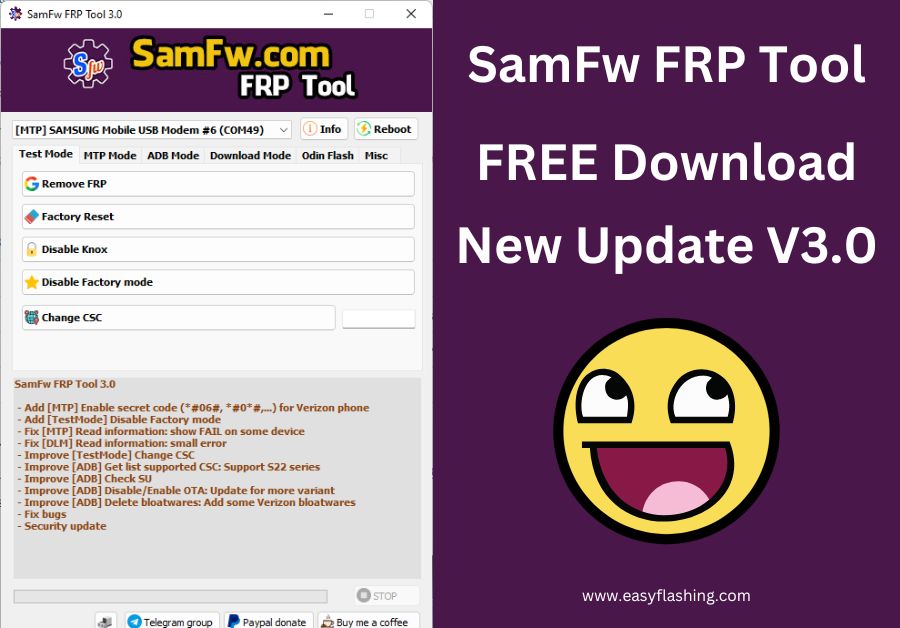
Best for: Samsung phones (fast and beginner friendly)
SamFW FRP Tool is one of the most popular free options for Samsung FRP removal. It supports multiple Android versions and works without complicated steps.
Key Features
- One click FRP removal (supported models)
- Works with Samsung Download Mode
- No paid license required
- Clean interface for beginners
Benefits
- Very easy to use
- Regularly updated
- No advanced technical knowledge needed
Best Use Case: Samsung users who want a simple, free solution.
2. SamFlash Tool
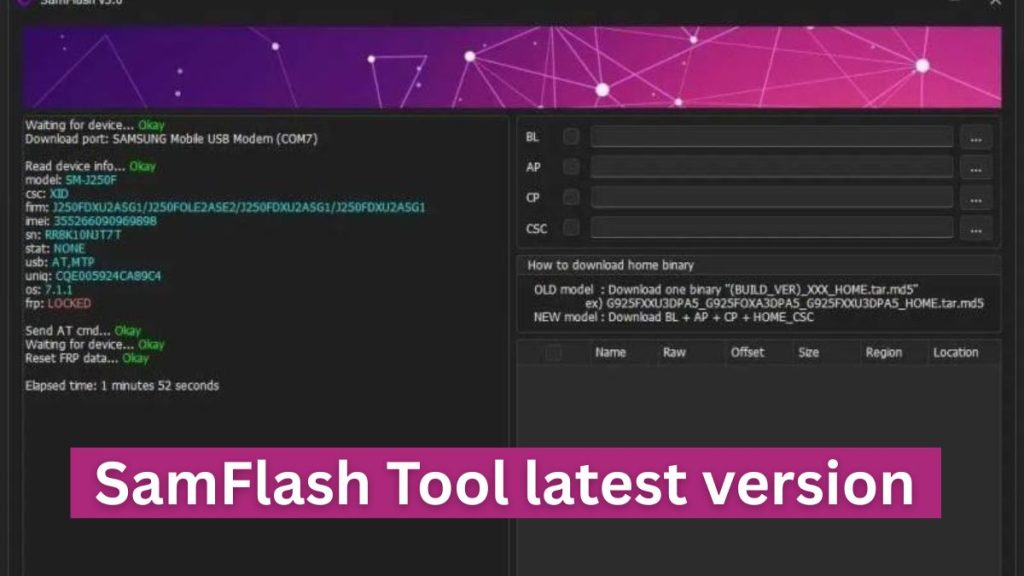
Best for: Advanced Samsung operations + FRP
SamFlash Tool is more than an FRP bypass utility. It includes flashing, repair, and unlock features.
Key Features
- FRP removal via ADB and Download Mode
- Flash firmware support
- Works on newer Samsung models
Benefits
- Multi purpose tool
- Good for technicians
- Strong Samsung device support
Beginner Tip: Follow step by step guides carefully to avoid mistakes.
3. Easy Samsung FRP Tool
Best for: Absolute beginners
As the name suggests, Easy Samsung FRP Tool focuses on simplicity.
Key Features
- Lightweight Windows tool
- Minimal setup
- Step based instructions
Benefits
- Very beginner friendly
- No confusing options
- Fast operation on older devices
Limitations: Limited support for the newest Android versions.
4. Samsung FRP Bypass Tool (Generic)
Best for: Older Samsung models
This category includes multiple small utilities designed for basic FRP bypass tasks.
Key Features
- Uses ADB commands
- Works on Android 7–10
- Often portable (no installation)
Benefits
- Free and simple
- Good for legacy devices
Note: Compatibility varies widely by version.
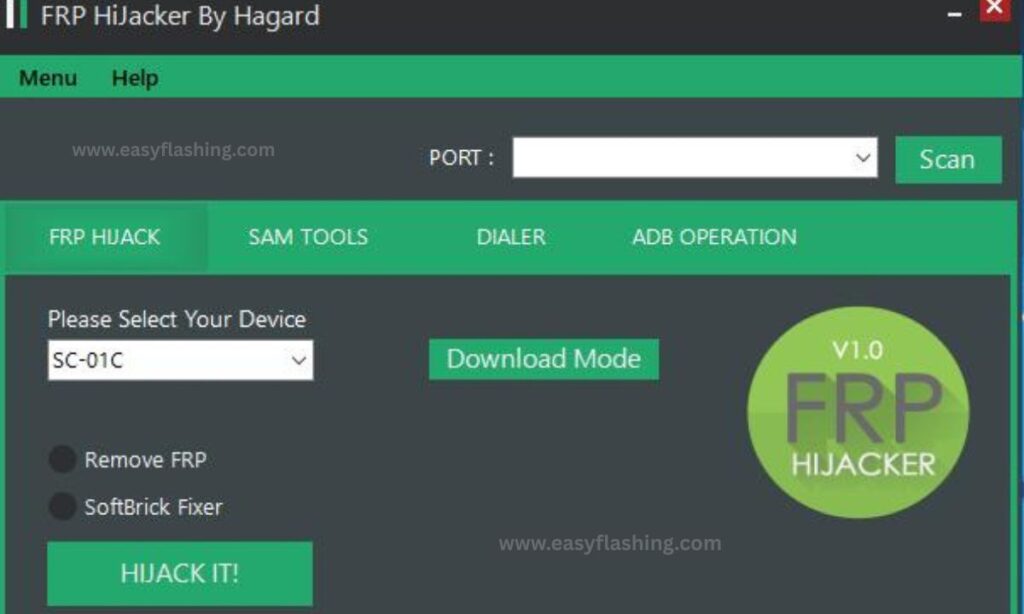
5. FRP Hijacker Tool
Best for: Manual FRP removal via ADB
FRP Hijacker is a classic tool that allows users to send ADB commands to remove FRP locks.
Key Features
- Manual control
- ADB based FRP reset
- Small file size
Benefits
- Transparent process
- Useful for learning how FRP works
Beginner Advice: Enable USB debugging when possible.
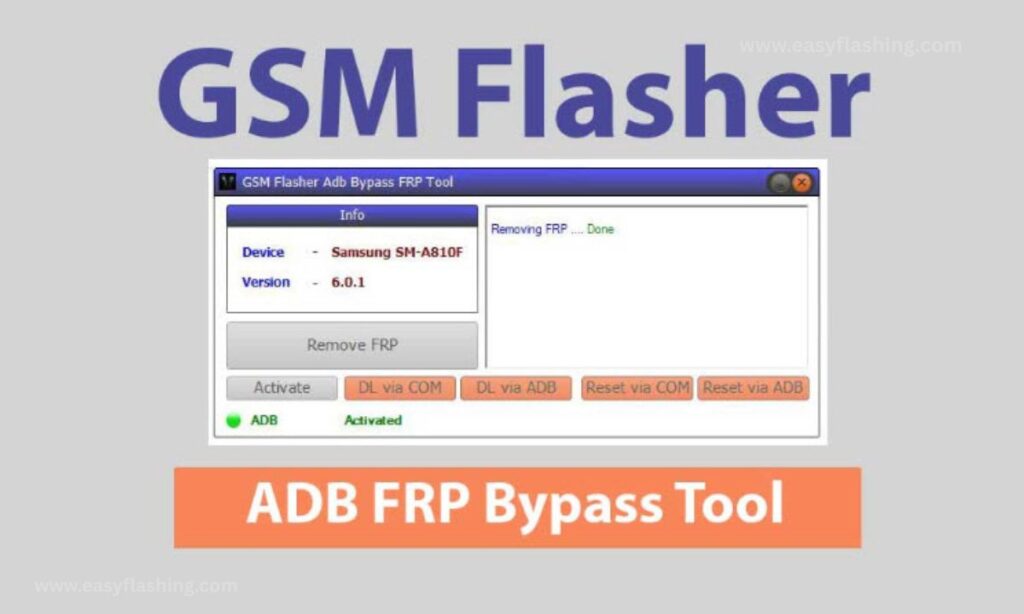
6. GSM Flasher ADB FRP Tool
Best for: Entry level technicians
This tool is commonly used in repair shops and supports multiple Android brands.
Key Features
- ADB FRP reset
- Brand agnostic design
- Simple button based UI
Benefits
- Works beyond Samsung
- Free basic features
- Easy workflow
7. Pangu FRP Bypass Tool

Best for: APK based bypass (older Android)
Pangu FRP Bypass Tool is well known for using browser or APK installation methods.
Key Features
- No PC required (some cases)
- APK installation approach
- Simple steps
Benefits
- Useful when no computer is available
- Beginner friendly
Limitation: Mostly effective on older Android versions.
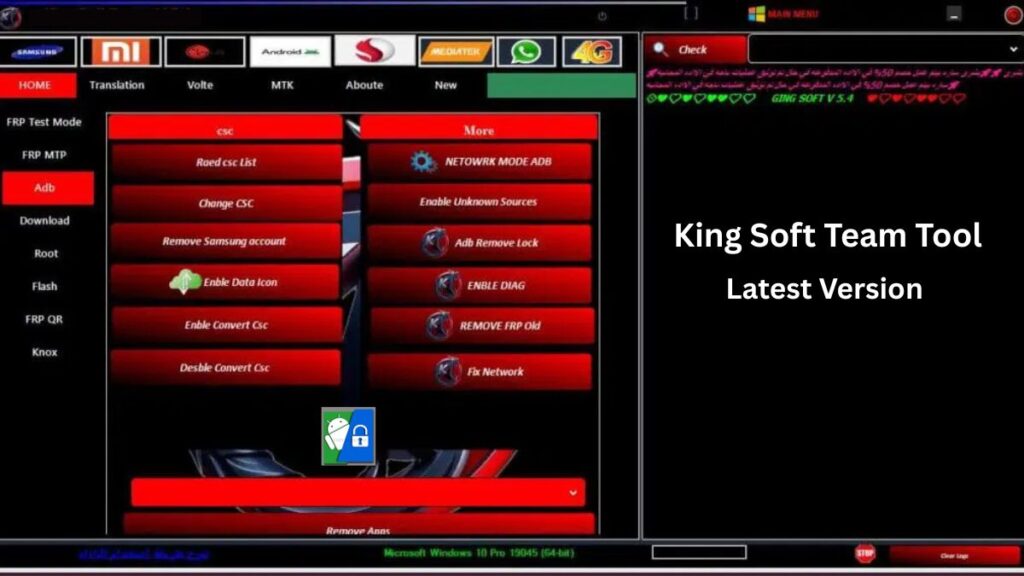
8. King Soft Tool
Best for: Multi brand FRP operations
King Soft Tool supports a wide range of Android devices with free FRP functions.
Key Features
- Samsung, Huawei, Xiaomi support
- ADB and Fastboot modes
- Regular updates
Benefits
- Good device coverage
- Simple dashboard
- Helpful logs and messages
9. BFT Tool (Best Flash Tool)

Best for: Flashing + FRP removal combo
BFT Tool combines firmware flashing with FRP removal features.
Key Features
- One click FRP options
- Flash and repair modules
- Windows support
Benefits
- All in one approach
- Useful for repair workflows
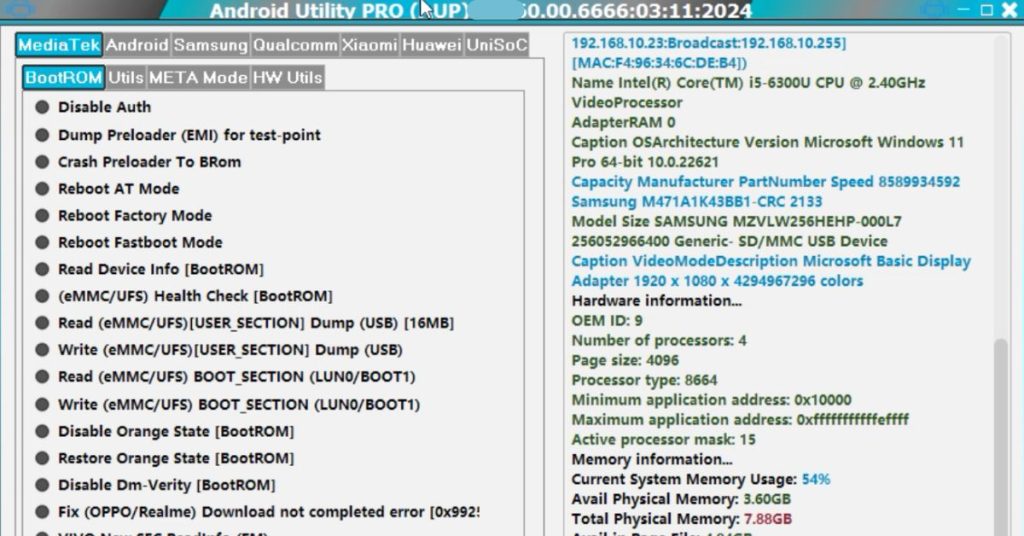
10. Android Utility Tool
Best for: Power users and learners
Android Utility Tool is a powerful suite with FRP, flashing, and diagnostic options.
Key Features
- Advanced FRP removal methods
- Supports many chipsets
- Detailed logs
Benefits
- High flexibility
- Great learning tool
Beginner Note: Use carefully—many options are advanced.
11. ZeroKnox Tool
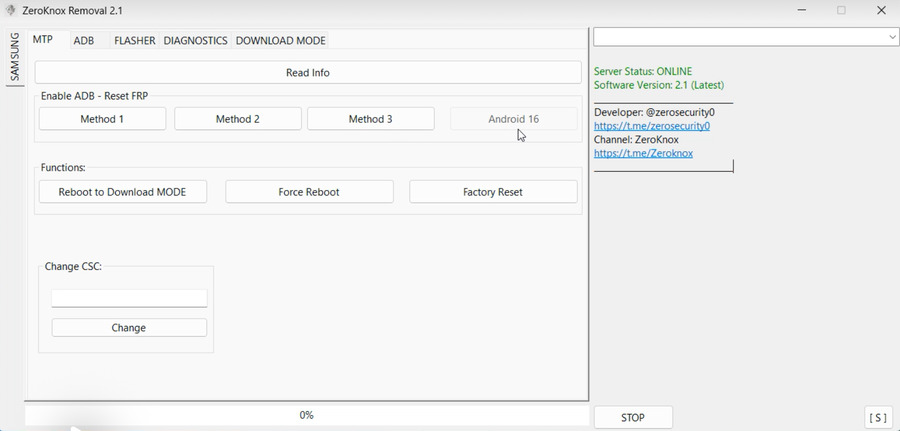
Best for: Samsung Knox related locks
ZeroKnox Tool focuses on Samsung security layers.
Key Features
- Knox aware operations
- FRP reset support
- Clean UI
Benefits
- Designed for Samsung security
- Straightforward workflow
12. Mysterious-Dev Tool
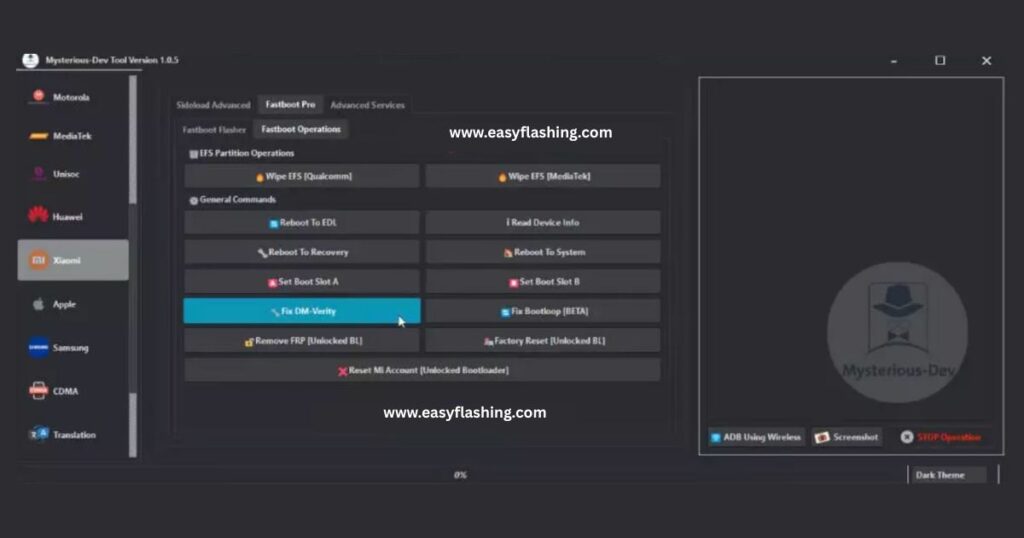
Best for: Community driven updates
This tool is maintained by independent developers and often supports new patches quickly.
Key Features
- Frequent updates
- Lightweight tool
- Simple FRP modules
Benefits
- Quick fixes for new devices
- Active community support
13. VG Quick Unlocker
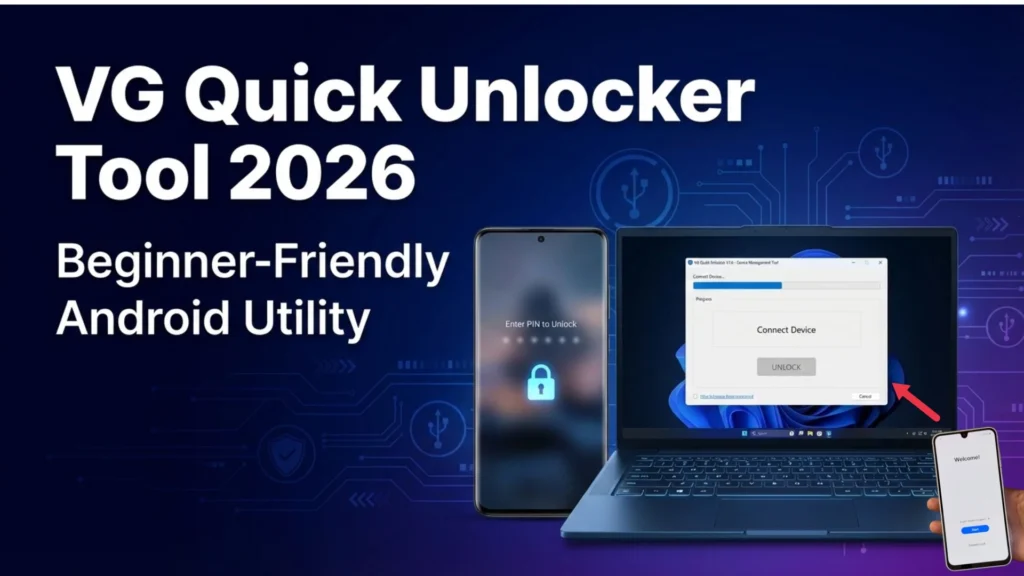
Best for: Fast FRP removal attempts
VG Quick Unlocker focuses on speed and ease.
Key Features
- Minimal steps
- One click operations
- Windows compatibility
Benefits
- Very fast
- Beginner friendly
14. Prime Tool X
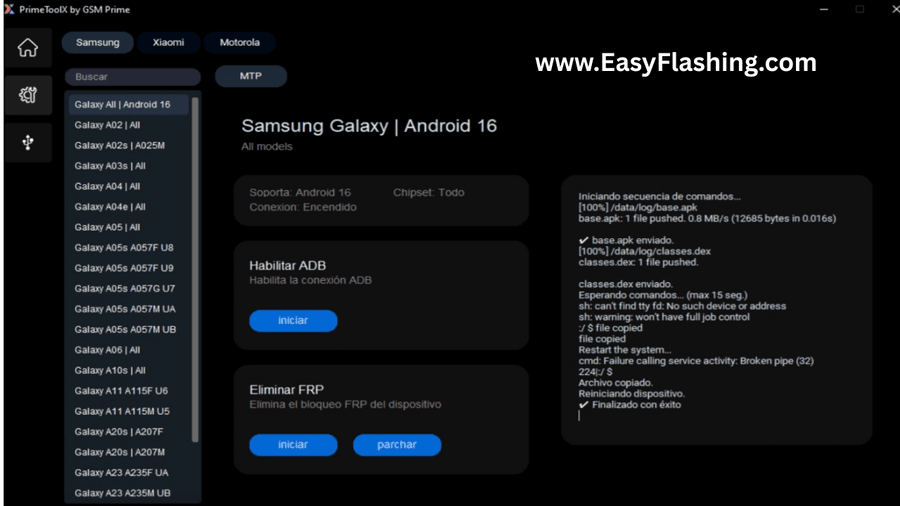
Best for: Technicians needing multiple tools in one
Prime Tool X offers a dashboard with FRP, flashing, and repair options.
Key Features
- Multi brand support
- Modular design
- Free core features
Benefits
- Scalable tool
- Clean interface
15. Block Cipher Tool
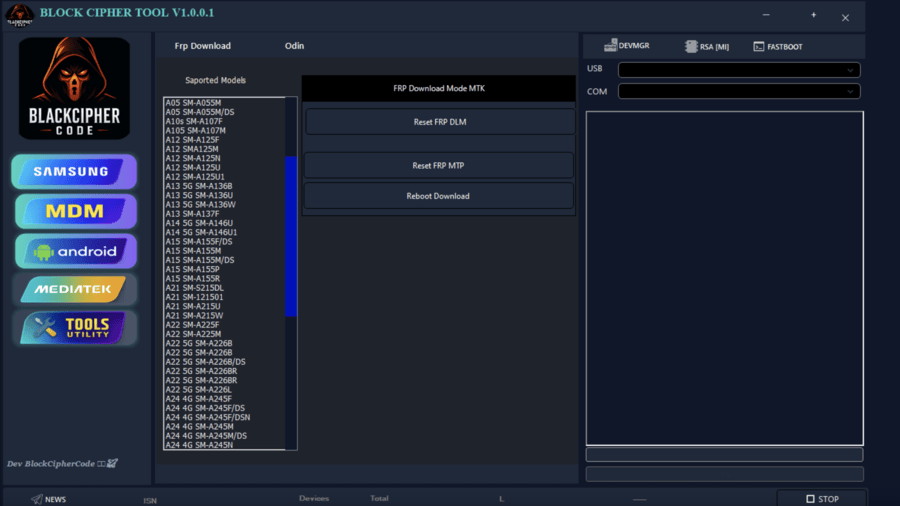
Best for: Security focused FRP handling
Block Cipher Tool emphasizes safe operations and logging.
Key Features
- Clear logs
- Step based FRP removal
- Minimal risk operations
Benefits
- Transparent process
- Good for cautious users
How to Choose the Right FRP Bypass Tool (Beginner Checklist)
Ask yourself:
- Is my device Samsung or another brand?
- What Android version am I using?
- Do I want one click or manual control?
- Am I comfortable using a PC?
Quick Recommendation:
- Beginners → SamFW FRP Tool, Easy Samsung FRP Tool
- Technicians → SamFlash Tool, Android Utility Tool
- No PC → Pangu FRP Bypass Tool (older devices)
Safety, Legality, and Best Practices
- Use FRP tools only on devices you own
- Avoid unofficial modified firmware
- Back up data whenever possible
- Follow official Android security guidance
For official information on Android device protection, see Google’s trusted resource:
https://support.google.com/android/answer/9459346
(FAQ)
Q1: Are FRP bypass tools legal to use?
Yes, when used on devices you own or have permission to unlock. Misuse can violate local laws.
Q2: Do free FRP bypass tools really work in 2026?
Some do, depending on device model, Android version, and security patch. Newer devices are more restricted.
Q3: Which FRP bypass tool is best for beginners?
SamFW FRP Tool and Easy Samsung FRP Tool are the most beginner friendly options.
Q4: Can FRP be removed without a PC?
In limited cases on older Android versions, tools like Pangu FRP Bypass Tool may work without a PC.
Q5: Will FRP bypass delete my data?
Most FRP bypass methods do not recover old data. They mainly allow fresh setup access.
Final Thoughts
The Top Free FRP Bypass Tools 2026 offer real solutions for genuine lockout situations. No single tool works for every device, but understanding how FRP works—and choosing the right tool—makes the process much easier.
For beginners, start simple, follow instructions carefully, and always prioritize device safety.



5 thoughts on “Top Free FRP Bypass Tools 2026”