
Joining a WhatsApp group is common for work, family, school, and communities. But one question keeps coming up for beginners: whatsapp group chat history new member can a new member see old messages or not?
In this article, I’ll walk you through how WhatsApp group chat history works for new members, what they can and can’t see, how admins control history visibility, privacy rules, recent updates, and smart tips for both admins and members.
What Is WhatsApp Group Chat History?
WhatsApp group chat history means all messages, media, and information shared in a group over time. This includes:
- Text messages
- Photos and videos
- Voice notes
- Documents
- Links
- Polls and announcements
When a new person joins a group, many users want to know if that person can read what was shared before they joined.
WhatsApp Group Chat History New Member: The Basic Rule
Here is the most important rule to understand:
By default, a new member cannot see old messages sent before they joined the WhatsApp group.
This rule protects privacy and applies to:
- Personal groups
- Work groups
- Public invite-link groups
- Private invite-only groups
New members start seeing messages only from the moment they join.
Why WhatsApp Hides Old Messages From New Members
WhatsApp focuses strongly on privacy and security. Hiding old chat history helps:
- Protect private conversations
- Prevent misuse of shared content
- Respect original members’ privacy
- Reduce confusion for new members
This design follows WhatsApp’s end-to-end encryption principles.
WhatsApp Group Chat History New Member 2026: What’s New?

In recent years, WhatsApp added better controls for group admins and improved transparency for new members.
Key updates affecting 2026:
- Clear system messages when someone joins
- Admin-controlled group settings
- Better invite link management
- Improved media visibility controls
Despite updates, the core rule remains unchanged: new members do not automatically see old messages.
What New Members Can See When They Join a Group
When a new member joins a WhatsApp group, they can see:
- Group name
- Group icon
- Group description (if added)
- Group rules (if shared in description)
- Admin names
- Member list
- Messages sent after joining
They cannot see:
- Old messages
- Old media
- Past voice notes
- Deleted messages
This is a common confusion.
Direct Answer:
WhatsApp does not offer a built-in feature to automatically show old chat history to new members.
However, admins can manually share information in other ways.
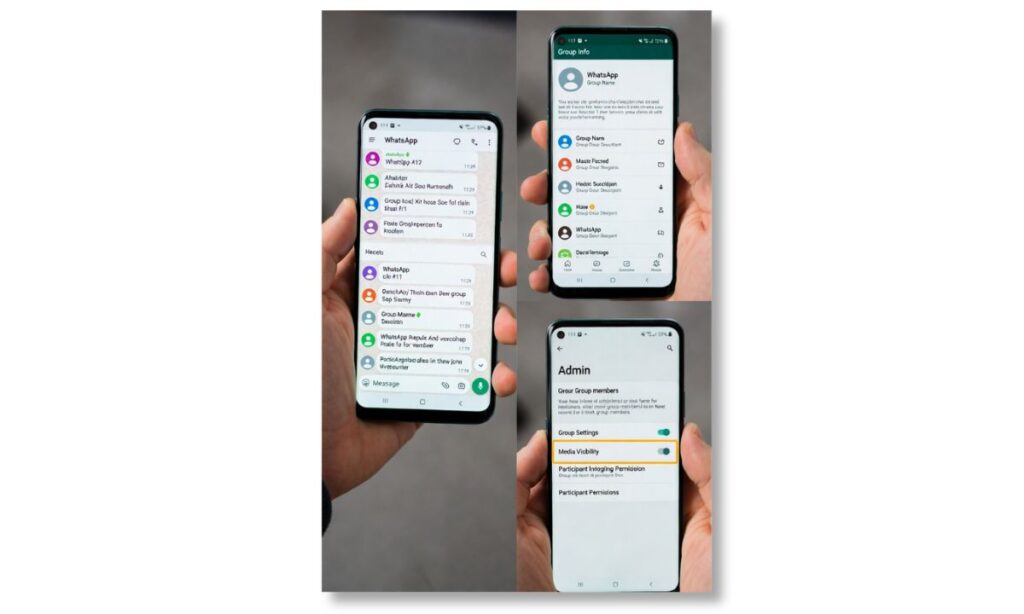
Admins often want new members to understand group context. Here are safe options:
- Pin an important message after the new member joins
- Share a summary message
- Re-send key documents or links
- Use group description for rules and guidelines
This avoids privacy issues while keeping new members informed.
WhatsApp Invite Links and Chat History
Invite links make it easy to add members, but they do not change chat history rules.
Even if someone joins via:
- Public invite link
- QR code
- Shared URL
They still cannot see messages sent before joining.
WhatsApp Communities and Group History
WhatsApp Communities connect multiple groups under one structure.
Important points:
- Community announcements are visible from the time you join
- Old messages in other groups remain hidden
- Each group follows the same history rule
Communities do not override privacy rules for chat history.
WhatsApp Group Chat History and Privacy Settings
WhatsApp privacy settings support this behavior.
Relevant privacy protections:
- End-to-end encryption
- Device-based message storage
- No cloud-based group history access
This means WhatsApp itself cannot display old messages to new members even if it wanted to.
Can New Members See Old Media Files?
No. New members cannot see:
- Old photos
- Old videos
- Old documents
- Old audio files
Unless someone manually re-shares them after the new member joins.
Can WhatsApp Group History Be Restored for New Members?
Short answer: No.
There is no official way to restore or unlock old group messages for a new member.
Even backups do not help because:
- Backups are linked to the original user’s account
- New members do not have access to others’ backups
Myths About WhatsApp Group Chat History
Let’s clear common misunderstandings.
Myth 1: Invite link allows full history access
False. Invite links only add members.
Myth 2: Admins can unlock old chats
False. Admins cannot change this rule.
Myth 3: New updates changed history rules
False. Privacy rule remains the same.
What Happens When You Leave and Rejoin a Group?
This is important for beginners.
If you:
- Leave a group
- Rejoin later
You will not see messages sent while you were away. You only see messages from the moment you rejoin.
WhatsApp Group Chat History for Work and Business Groups
Many businesses use WhatsApp groups.
For work groups:
- New employees cannot see old discussions
- Sensitive data stays protected
- Admins usually share documents again
This improves data security and compliance.
WhatsApp Group Chat History and Legal Safety
WhatsApp’s system helps:
- Prevent data leaks
- Protect user consent
- Reduce legal risk
Showing old messages without consent could create privacy issues. WhatsApp avoids this by design.
Can Screen Recording or Forwarding Bypass History Rules?
Technically, a member could:
- Screenshot messages
- Forward old messages manually
But:
- This requires human action
- WhatsApp does not automate this
- Privacy responsibility lies with users
Best Practices for WhatsApp Group Admins (2026)
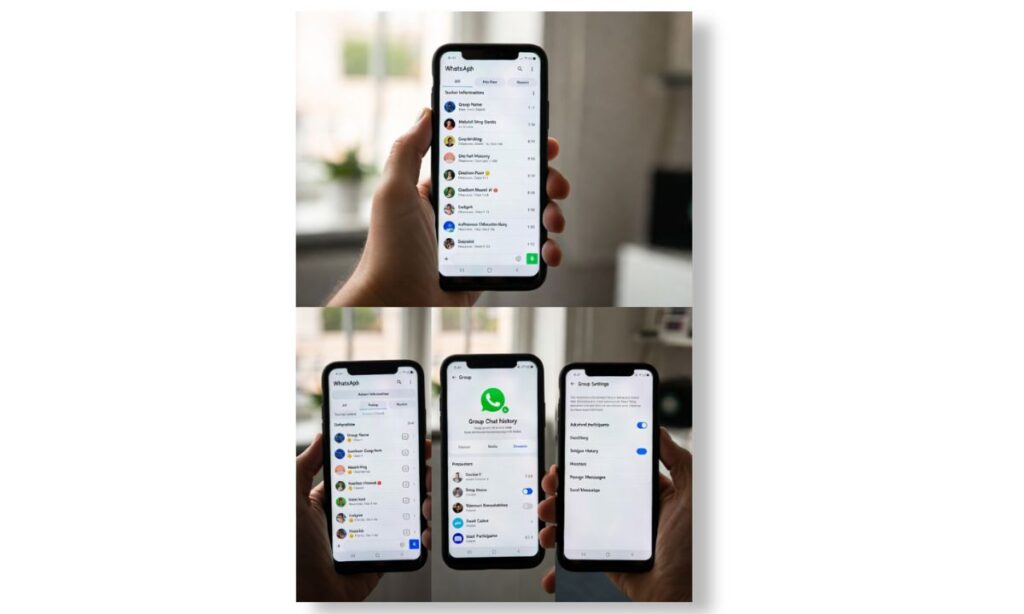
Admins should follow these best practices:
- Add clear group rules in description
- Pin important messages
- Share summaries for new members
- Avoid sensitive data in large groups
- Control who can send messages
This keeps the group organized and safe.
Best Practices for New Group Members
If you join a group:
- Read the group description carefully
- Check pinned messages
- Ask admins for important information
- Respect group privacy
Avoid asking for old private chats.
WhatsApp Group Chat History vs Telegram
Without naming competitors deeply, it’s helpful to understand that:
- WhatsApp prioritizes privacy
- Messages are device-based
- History is not cloud-accessible for new users
This design choice defines how WhatsApp works.
WhatsApp Group Chat History New Member: Technical Explanation
WhatsApp messages are:
- Encrypted end-to-end
- Stored locally on devices
- Not stored as readable group logs
Because of this, WhatsApp cannot simply “show” old messages to someone new.
Will WhatsApp Change This Feature in the Future?
There is no official confirmation of any change.
Reasons change is unlikely:
- Privacy concerns
- Encryption limitations
- User trust
WhatsApp may add better admin tools, but core privacy rules are expected to stay.
Resources for Official Information
For accurate and official updates, refer to:
- WhatsApp Help Center
https://www.whatsapp.com/help - Meta Privacy Policies
https://www.meta.com/privacy
These sources explain WhatsApp features and privacy in detail.
(Q&A)
Can a new WhatsApp group member see old messages?
No. A new member can only see messages sent after they join the group.
Can admins enable chat history for new members?
No. WhatsApp does not provide any setting to enable old chat history for new members.
Do WhatsApp group invite links show old chats?
No. Invite links only add members; they do not provide access to past messages.
If I rejoin a group, will I see old messages again?
No. You will only see messages sent after you rejoin the group.
Yes. Existing members or admins can forward or resend messages manually.
Final Thoughts
The topic whatsapp group chat history new member 2026 is simple once you understand WhatsApp’s privacy-first approach. New members cannot see old messages, media, or files shared before they joined. This rule protects privacy, security, and trust for all users.
Admins can still help new members by sharing summaries and important content manually. As WhatsApp continues to grow globally, its focus on user privacy ensures group conversations remain safe, controlled, and respectful for everyone.


