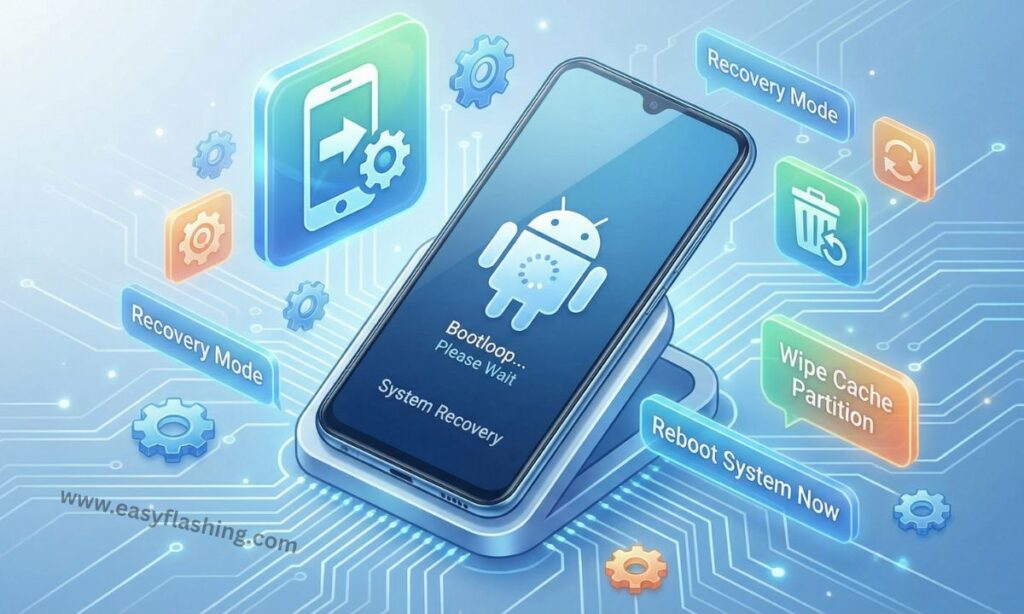
Fixing a soft bricked Android phone does not have to be confusing or expensive. Many users panic when their device gets stuck on the logo, enters a boot loop, or refuses to load the system after an update or app install. In reality, most soft brick issues are software related and reversible.
This detailed articles explains how to fix soft bricked Android phones using a mix of free official tools and reliable paid system repair software.
What Does “Soft Bricked” Mean on Android?
A soft bricked Android phone still powers on but cannot load Android properly. Unlike a hard brick, the phone shows signs of life and can usually be repaired.
Common Soft-Brick Symptoms
- Stuck on Android or brand logo
- Endless restart or boot loop
- System UI keeps stopping
- Black screen with vibration
- Phone boots only into recovery or fastboot
Why Soft Bricks Happen
- Failed Android updates
- Interrupted system reboot
- Incompatible apps or mods
- Corrupted system cache
- Wrong firmware installation
The good news is that soft bricked Android phones are fixable in most cases, especially when you use the right tools.
Before You Start Fixing Your Android Phone
Before using any tool, follow these basic safety steps:
- Charge your phone to at least 50%
- Use a reliable USB cable
- Know your exact phone model
- Back up data if possible
- Start with free methods first
These steps help prevent further damage and data loss.
1. Android Recovery Mode (Free & Built-In Tool)
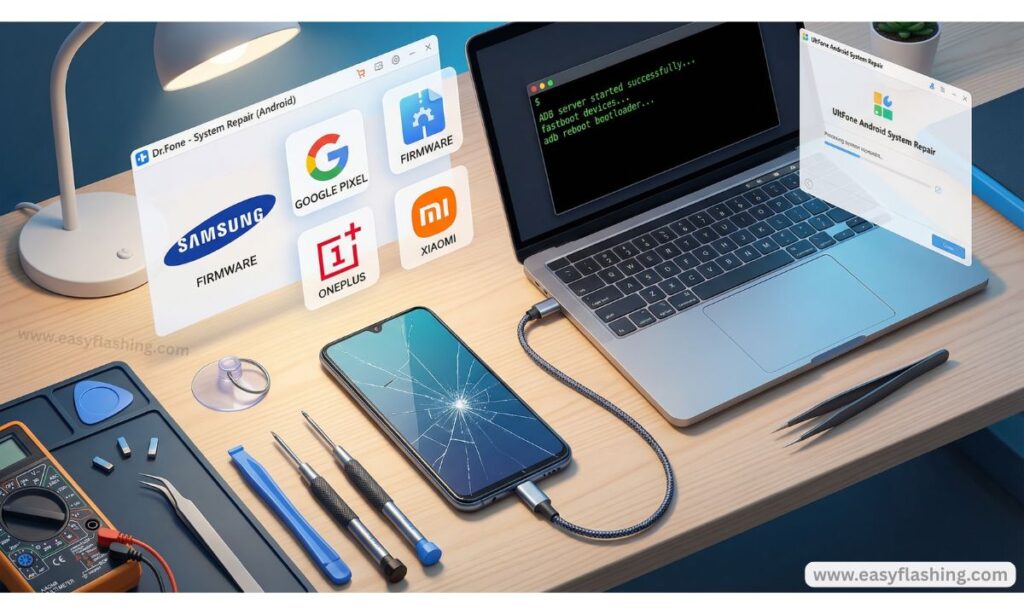
Best for: Beginners and first-time fixes
Android Recovery Mode is available on every Android phone. It is the first and safest method to try when fixing a soft bricked device.
Key Features
- Built into Android system
- No computer required
- Free and secure
- Fixes common boot issues
What It Can Fix
- Boot loops after updates
- Frozen startup screen
- Corrupted cache files
Why It Works
Recovery Mode allows you to wipe the cache partition or perform a factory reset. Many soft-brick problems come from corrupted temporary files that this mode clears safely.
2. Safe Mode (Free Android Feature)
Best for: App-related soft bricks
Safe Mode loads Android without third party apps. This helps identify whether a recently installed app caused the issue.
Key Features
- No data deletion
- Built in Android option
- Beginner-friendly
When to Use It
- Phone crashes after installing apps
- Android starts but freezes
- Touchscreen works but apps fail
If the phone works in Safe Mode, uninstall recently added apps and restart normally.
3. Android SDK Platform Tools (ADB & Fastboot) Free
Best for: System-level repairs
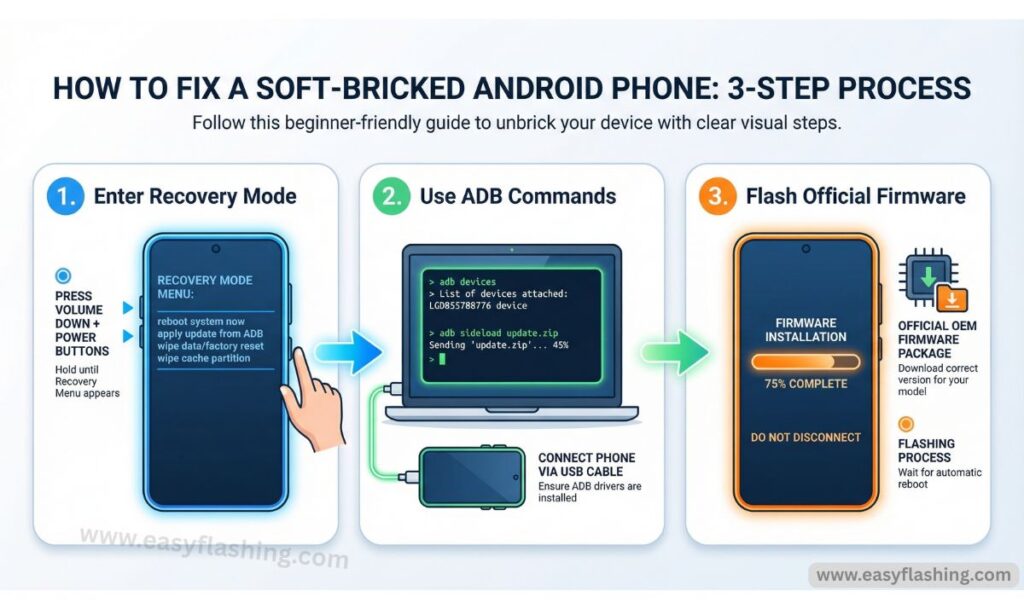
Android SDK Platform Tools are official tools provided by Google. They allow direct communication with Android devices using a computer.
Key Features
- Completely free
- Official Google support
- Works across brands
What They Fix
- Boot loops
- Stuck fastboot mode
- System command issues
Why This Tool Is Trusted
Developers and technicians worldwide use ADB and Fastboot. If your phone enters fastboot mode, these tools can reboot or reset system components safely.
External trusted reference: Android Developers official documentation.
4. Official OEM Firmware Flash Tools (Free)
Best for: Severe software corruption
Most Android manufacturers provide official flashing tools that reinstall stock firmware.
Examples
- Samsung firmware flashing tool
- Xiaomi official flash utility
- Google Pixel Android Flash Tool
- Oppo and Realme system flash tools
Key Features
- Free and manufacturer-approved
- Restores original system files
- Fixes update failures
Why Firmware Flashing Works
Soft bricks often occur when system files break. Flashing official firmware replaces damaged files with clean, stable versions.
Trusted reference: Official Android device support pages.
5. Fastboot Factory Reset (Free Method)
Best for: Phones stuck at startup
Fastboot mode allows you to reset Android when normal recovery fails.
Key Features
- Works with official tools
- Fixes persistent boot issues
- No third party software required
Important Note
This method erases user data but often restores system functionality.
6. TWRP Custom Recovery (Free, Open Source)
Best for: Custom ROM or mod issues
TWRP is a popular custom recovery used by advanced Android users.
Key Features
- Open source
- Free to use
- Powerful system control
What It Fixes
- Soft bricks after ROM installs
- Corrupted partitions
- Failed system modifications
This tool works best on unlocked devices and should be used carefully.
7. Dr.Fone System Repair (Paid Software)
Best for: Beginners who want simplicity
Dr.Fone System Repair offers a guided interface that helps fix Android system problems.
Key Features
- Step-by-step process
- Fixes boot loops and black screens
- Supports many Android brands
Why Users Choose It
This tool simplifies complex repair tasks. It is useful for beginners who prefer a guided experience instead of manual commands.
Trusted reference: Wondershare official support documentation.
8. UltFone Android System Repair (Paid Option)
Best for: One click system repair
UltFone focuses on repairing Android OS errors without advanced steps.
Key Features
- Easy interface
- Fixes common soft-brick issues
- Mode switching support
Ideal Use Case
When recovery and fastboot methods feel too technical, this tool provides a simplified alternative.
Best for: Boot loop and stuck logo issues
ReiBoot is designed to repair Android startup problems efficiently.
Key Features
- Enter and exit recovery mode
- Fixes boot loops
- Beginner friendly design
Why It Helps
This tool automates many steps that beginners find difficult, reducing errors.
10. Data Recovery Tools (Optional Paid Support)
Best for: Saving data before fixing
If your phone contains important files, data recovery software can help retrieve them before performing risky repairs.
What They Recover
- Photos and videos
- Contacts and messages
- Documents and media
These tools do not fix the soft brick directly but help protect user data.
How to Choose the Right Tool to Fix Soft Bricked Android Phones
| Problem Type | Recommended Tool |
| App crashes | Safe Mode |
| Boot loop | Recovery Mode / ReiBoot |
| Failed update | OEM firmware tool |
| Logo stuck | ADB & Fastboot |
| Custom ROM issue | TWRP |
| Beginner repair | Dr.Fone |
Tips to Avoid Soft Bricking Your Android Phone
- Do not interrupt updates
- Avoid unofficial system mods
- Keep storage space available
- Install apps from trusted sources
- Always back up data
Prevention is the easiest fix.
6 Method Solutions on How to Fix Soft Bricked Android
Resources for Learning (Official )
- Samsung official firmware / recovery documentation
- Google Pixel official flashing tool
- Xiaomi / OEM firmware explanation pages
(Q&A)
What is the best way to fix soft bricked Android phones?
Start with Recovery Mode and Safe Mode. If those fail, use official firmware tools or trusted system repair software.
Can a soft bricked Android phone be fixed without a computer?
Yes. Recovery Mode, Safe Mode, and cache wipes work without a PC in many cases.
Is paid Android repair software safe to use?
Yes, when downloaded from official websites. Always avoid unknown sources.
Will fixing a soft bricked phone delete my data?
Some methods do not erase data, but firmware flashing and factory resets usually do.
How long does it take to fix a soft bricked Android phone?
Most fixes take 15-45 minutes, depending on the method used.
Final Thoughts
Learning how to fix soft bricked Android phones empowers users to save time, money, and frustration. With the right mix of free built in tools and trusted paid repair software, most soft-brick issues can be resolved safely. Start with simple solutions, move step by step, and always prioritize data safety.



2 thoughts on “Best Free & Paid Tools to Fix Soft Bricked Android Phones-2026”